
Data enrichment is priced in one of four ways: per record, per successful match, by credits inside a subscription, or as a custom contract. The list price rarely tells you what you pay. The number that matters is your cost per usable enriched record: total spend divided by the records that end up with a valid email, phone number or firmographic field your reps can act on. This guide shows how to compare vendors on that number, what to check in the terms, and what belongs in the budget besides the license.
TL;DR
- Enrichment pricing falls into four models: pay per record, pay per successful match, credits bundled in a subscription, and custom enterprise contracts.
- Compare vendors on cost per usable record, not cost per credit. Match rate, verification and credit burn per field change the answer.
- Budget beyond the license: integration, internal admin time, re-enrichment as data ages, and the other tools in your stack.
- Check four terms before signing: what a credit buys, whether failed lookups are charged, whether credits expire, and the contract minimum.
- Crono publishes its plans: Pro from €79 per seat per month, Ultra from €119, and credit packs from €99 per month.
Table of Contents
- The four pricing models you will meet
- What makes prices vary between providers
- Why cost per credit is the wrong number
- Terms to check before you sign
- The costs beyond the subscription
- How to decide whether enrichment is worth the spend
- How to build a sensible budget
- What Crono charges
- Put your numbers into a plan
- FAQ
- Sources
The four pricing models you will meet
Most quotes you receive map to one of these structures. Knowing which one you are looking at is the first step in comparing them fairly.
| Model | How you pay | Works well when | Watch for |
|---|---|---|---|
| Per record | A fixed amount for each record enriched, whether or not it returns data | Clean input lists with high expected coverage | Paying for empty results |
| Per successful match | You are charged only when a field is found | Mixed-quality lists, phone and email hunting | What counts as a “match” (found vs. verified) |
| Credits in a subscription | A monthly or annual fee includes a credit allowance, with packs for extra | Teams with steady monthly volume | Unused credits expiring, different credit costs per field |
| Custom or enterprise | Negotiated annual contract, often with minimums | Large databases, many seats, compliance needs | Multi-year terms, add-on fees, overage rates |
Many platforms blend these. A seat-based subscription may include a base of credits, then charge for email or mobile lookups from a separate balance. That is why two quotes with the same headline price can differ by a factor of two in practice.
What makes prices vary between providers
Five factors explain most of the spread you will see.
- Data type. Firmographic fields such as industry and headcount are generally cheaper to supply than a verified mobile number. Expect direct dials to consume more credits or cost more per hit.
- Match rate and verification. A provider that finds more contacts, and checks them before returning, costs more per lookup but wastes less. The cheaper tool with a lower hit rate can end up more expensive per usable record.
- Sourcing method. A single database, a waterfall that queries several sources in sequence, and real-time lookups have different cost structures. Waterfalls raise coverage and usually raise the bill with it.
- Volume and commitment. Annual billing and larger packs lower the unit price. Monthly billing and small packs give flexibility at a higher unit price.
- What is bundled. Enrichment inside a full execution platform, with prospecting, outreach and workflow automation, is priced differently from a standalone enrichment API.
A useful reference point is how credit packs scale within a single product. Crono’s published one-off credit packs cost €69 for 10,000 credits, €159 for 30,000 and €479 for 100,000. That works out to about €6.90, €5.30 and €4.79 per 1,000 credits, so the unit cost falls as the pack grows. Most credit-based vendors follow the same logic.
Why cost per credit is the wrong number
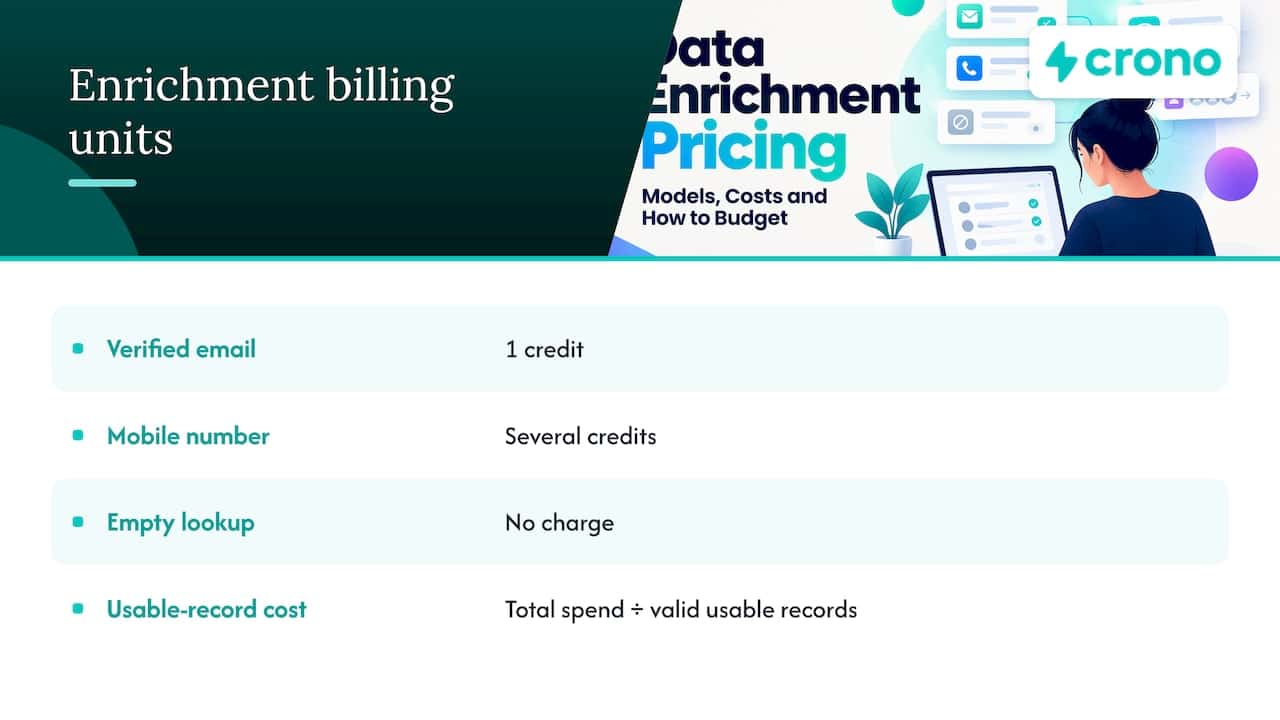
A credit is a unit the vendor defines. One vendor spends a credit on a verified email, another spends several on a mobile number, and a third charges nothing when a lookup returns empty. Comparing “price per credit” across them tells you very little.
Compare cost per usable record instead:
Cost per usable record = total enrichment spend ÷ records with a valid, usable field
A worked example
The figures below are illustrative, not vendor quotes. Say you enrich 5,000 target accounts’ contacts in a month.
| Vendor A | Vendor B | |
|---|---|---|
| Monthly spend | $750 | $900 |
| Records returned with an email | 3,000 | 4,200 |
| Of those, emails that pass verification | 2,400 | 3,900 |
| Cost per usable record | $0.31 | $0.23 |
Vendor A looks cheaper on the invoice. Vendor B is cheaper where it counts, because more of what you paid for is usable. Run this test on a sample of your own list before you commit, and use the same sample with every vendor you evaluate.
Two extra checks sharpen the number:
- Bounce rate on the first send. If you send to the enriched emails, the bounce rate shows how many were genuinely valid.
- Reply or connect rate by source. Data that reaches the right person, not just any inbox, justifies a higher price.
For more on how to keep the data you pay for accurate over time, see our guide to data enrichment best practices for B2B sales teams.
Terms to check before you sign
Pricing pages summarize. The order form and terms of service decide what you actually pay. Look at these points:
- What a credit buys. Ask how many credits an email, a mobile number and a full company profile each consume.
- Charges on failed lookups. Confirm whether you pay when no data is found, and whether a “found but unverified” result counts.
- Credit expiry and rollover. Monthly credits that vanish at month end change your effective cost if your volume is uneven.
- Seat minimums. Per-seat pricing scales with headcount. Check whether credits are pooled across the team or tied to each user.
- Overage and top-up rates. The price of extra credits is often higher than the plan rate. Ask for it in writing.
- Term and renewal. Look for auto-renewal, notice periods and any multi-year commitment.
- Fair-use limits. “Unlimited” plans often have caps on exports or lookups.
- Contact data compliance. If you sell into Europe as well as the US, ask how the vendor handles consent and opt-out requests, and involve your legal counsel.
The costs beyond the subscription
The invoice is the visible part. A total-cost-of-ownership view, as described by the Pedowitz Group, includes direct spend such as licenses, usage fees and add-ons, plus external services, internal labor, integration and data costs including enrichment vendors, support and compliance, and waste. Applied to enrichment, that means:
- Licenses and usage. The plan, extra credit packs and any separate email or mobile finder charges.
- Integration work. Connecting the tool to your CRM, mapping fields and testing syncs. Native integrations reduce this effort.
- Internal labor. Someone owns the rules for what gets enriched, when, and into which fields. That time has a cost even if no one invoices it.
- Re-enrichment. Contacts change jobs and companies change size. Data you enrich once is not accurate forever, so plan a refresh cycle and budget credits for it.
- Duplicates and cleanup. Enrichment that creates duplicate records costs you twice. Our walkthrough of CRM deduplication for Salesforce, HubSpot and Zoho covers how to prevent that.
- Waste. Credits spent on accounts you will never contact. Prioritizing by buying signals before enriching keeps credits focused on the accounts that matter.
These line items belong in the same model as the rest of your stack. If you are building that wider view, this piece on analytics and marketing ROI is a helpful companion for tying spend to outcomes.
How to decide whether enrichment is worth the spend
A simple test keeps the decision honest. Start with your own numbers:
- Current state. What share of your CRM contacts has a valid email and phone? How many reps’ hours go to manual research each week?
- Time saved. Multiply research minutes per account by accounts per rep per week, then by your loaded hourly cost.
- Pipeline effect. Compare connect and reply rates between enriched and non-enriched contacts in a controlled sample.
- Total cost. Add the items from the previous section, not just the license.
If the time saved plus the pipeline lift exceeds the total cost, the spend pays back. If the enriched sample does not outperform, adjust the data source or the targeting before scaling. For a broader view of where enrichment sits in the funnel, see how B2B contact database enrichment works.
How to build a sensible budget
Work backward from your motion rather than from the vendor’s tiers.
- Size the target list. How many accounts and contacts will your team work in a quarter?
- Estimate credits per contact. Count the fields you need (email, mobile, firmographics) and their credit cost.
- Add a refresh allowance. Reserve credits for re-enriching the contacts that matter most.
- Choose billing. Annual billing usually lowers the unit price; monthly billing keeps you flexible while you learn your real usage.
- Start with one team. Pilot with one pod, measure cost per usable record, then roll out.
A consolidated stack can also simplify budgeting. Our outbound sales tech stack guide for mid-market teams shows how to weigh enrichment alongside engagement, automation and CRM costs, so you are not paying for the same capability twice.
Our perspective on enrichment pricing
We see the same pattern in most teams we talk to. They buy enrichment as a separate line item, then discover the cost is not the data itself but everything around it: moving it into the CRM, deciding who gets enriched, and acting on it before it goes stale.
That is why we built Crono as a sales execution layer rather than another point tool. Enrichment, buying signals, list building, multichannel outreach and workflow automation work together with your CRM and existing tools. Credits go toward accounts that signals have already prioritized, and the enriched data lands where your reps work.
Our advice is to judge any enrichment spend by what it produces downstream: usable contacts, booked meetings, pipeline. A platform that connects those steps lets you see the whole cost and the whole result in one place.
Alex
What Crono charges
Crono publishes its prices, so you can model the cost before talking to anyone.
| Plan | Price | Notes |
|---|---|---|
| Pro | From €79 per month per seat | Per-user subscription |
| Ultra | From €119 per month per seat | Per-user subscription, more capability |
| Agentic Sales Engine, 10,000 credits | €99 per month | Credits for AI and enrichment tasks |
| Agentic Sales Engine, 30,000 credits | €199 per month | Credits for AI and enrichment tasks |
| Agentic Sales Engine, 100,000 credits | €499 per month | Credits for AI and enrichment tasks |
| One-off credit packs | €69 (10,000), €159 (30,000), €479 (100,000) | Top-ups without a monthly plan |
| Enterprise | Custom | Talk to us for terms |
Email finder and mobile finder are available as add-ons, and their prices are listed on the pricing page.
Put your numbers into a plan
If you want enrichment, prioritization and outreach in one place, start with the plan that matches your team. Per-seat plans on the pricing page cover your reps, and the credit packs for the Agentic Sales Engine let you size enrichment and AI usage to your volume.
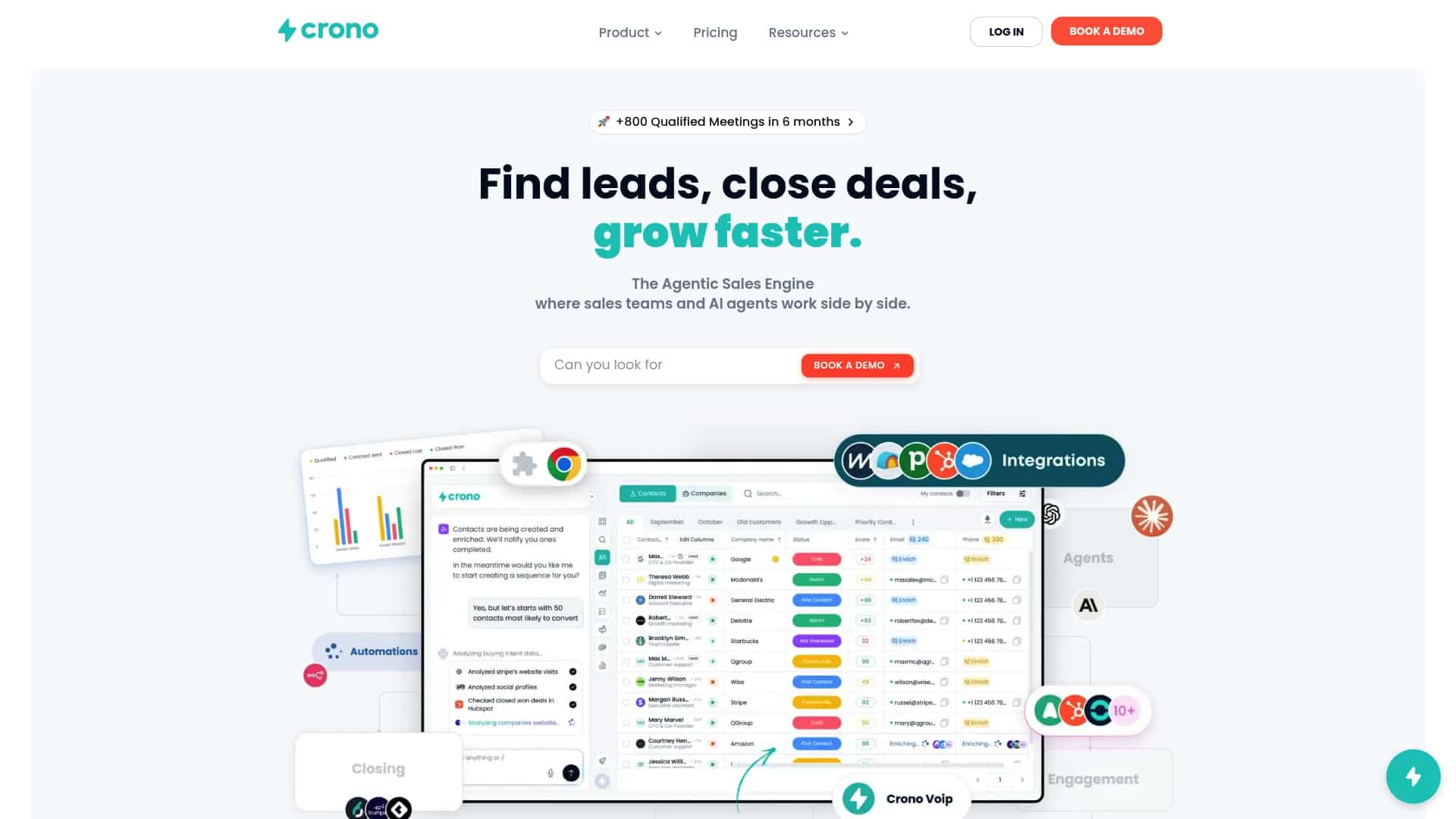
Larger teams with custom requirements can look at the Enterprise plan. To see what agent-led execution looks like in practice, read what an agentic sales engine is.
FAQ
How much does data enrichment cost per record?
It depends on the data type, the match rate and the volume. Firmographic fields cost less than verified mobile numbers, and bigger packs lower the unit price. Measure your own cost per usable record on a sample list rather than relying on an average.
Is it better to pay per record or per successful match?
Per-match pricing protects you when your list is patchy, because empty results cost nothing. Per-record pricing can work when your input is clean and coverage is high. Check what the vendor counts as a match, since found and verified are not the same thing.
Do unused enrichment credits roll over?
That varies by plan. Some monthly allowances reset each cycle, while one-off packs are bought as a balance. Ask the vendor for the expiry rules in writing before you commit.
What should I include in an enrichment budget besides the subscription?
Add integration work, internal admin time, re-enrichment as contacts change roles, deduplication, and credits spent on accounts you never work. A total-cost-of-ownership model captures these.
Can enrichment be part of my sales platform instead of a separate tool?
Yes. Platforms that combine enrichment with prospecting, outreach and CRM sync reduce integration effort and keep credits tied to prioritized accounts. Crono is built this way.
Sources
- How do we calculate the true cost of our tech stack? (Pedowitz Group)
- Why analytics in marketing drives better ROI in 2026
