
RevOps automation is the orchestration layer that connects your CRM, enrichment tools, intent signals, and execution channels so revenue teams stop losing deals to manual handoffs. The first move is not buying a platform. It is auditing your current stack, picking one high-volume workflow with clear rules, and assigning it an owner. Teams that do this first typically see faster handoff times and far fewer manual reassignments within weeks.
TL;DR:
- Automate high-volume workflows like lead routing and SLA reminders first to quickly reduce manual handoffs and improve response times.
- Ensure rule clarity, reliable data, and clear exception paths before deploying any automation to prevent chaos and misfires.
- Regularly review and document automations through a registry to maintain accountability, track performance metrics, and catch drift early.
- Use an execution layer like Crono to connect systems, enable signal-driven routing, and ensure consistent automation beyond the CRM alone.
- Avoid automating subjective decisions or low-data-quality processes to prevent losing control of critical accounts or creating errors.
What Is RevOps Automation, and How Is It Different From CRM Automation?
CRM automation handles what happens inside one system, like triggering a task when a deal stage changes. RevOps automation sits above that. It coordinates the handoffs between systems, so a lead captured on your website gets enriched, scored, routed, and assigned without a human ever touching a spreadsheet in between.
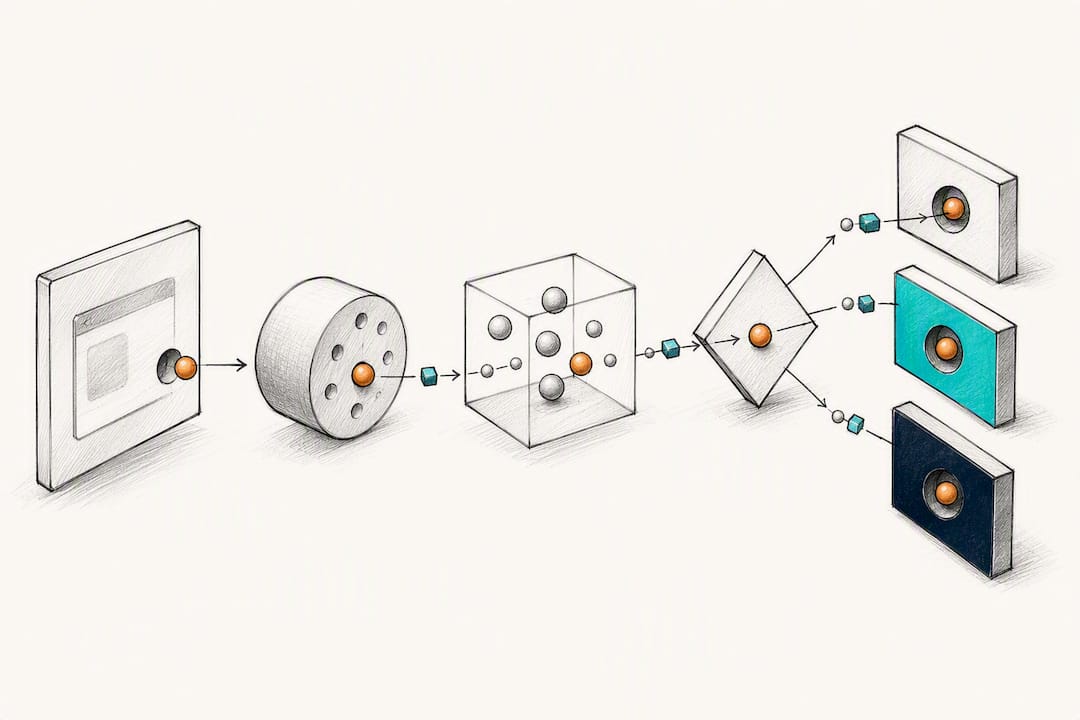
That distinction matters because most teams already have CRM workflows and still miss their SLAs. The gap isn’t inside Salesforce or HubSpot. It’s in the seams between marketing automation, the CRM, the calendar tool, and the finance system that nobody owns end to end. Revenue operations exist specifically to align sales, marketing, customer success, and finance around one growth engine, and automation is what operationalizes that alignment instead of leaving it as a slide in a quarterly business review.
A real orchestration layer typically covers five capabilities:
- Data enrichment: filling firmographic and contact gaps the moment a lead enters the system, not during a weekly cleanup.
- Intent activation: turning a buying signal (a pricing page visit, a hiring surge, a technology change) into a triggered next step.
- Orchestration logic: if-this-then-that rules that move a record between owners, tools, or stages automatically.
- Bidirectional CRM sync: keeping the CRM as the system of record while other tools read and write to it without creating duplicate versions of the truth.
- Reporting and forecast hygiene: flagging stale opportunities, missing fields, or inconsistent stage definitions before they corrupt the forecast.
Done well, this shows up as measurable outcomes: response times drop from days to minutes, forecasts stop swinging 20 points between weekly reviews, and handoffs between SDRs, AEs, and customer success stop depending on someone remembering to send a Slack message.
Which RevOps Workflows Should You Automate First?
Not every workflow deserves automation on day one. The best candidates share three traits: they happen often, they follow a rule everyone already agrees on, and a delay or error is expensive. Here is a practical order of attack, ranked by typical impact and ease of rollout.
- Lead routing. Assign inbound leads by territory, size, or product interest instantly instead of batching them for a daily import. Track time to first contact and ensure leads are routed correctly on the first pass.
- Meeting booking handoff. When a rep books a meeting, automatically update the CRM stage and notify the next owner. Track how often handoffs are missed each week.
- SLA reminders and escalation. Alert a rep before a lead ages out of the response window, then escalate to a manager if it does. Track how often SLAs are met.
- Duplicate detection and CRM hygiene. Flag or merge duplicate contacts and accounts as they’re created. Track how frequently duplicates occur among new records.
- Required-field prompts. Block a stage change until close date, deal source, or next steps are filled in. Track how many opportunities have the required fields completed.
- Closed-won handoff. Trigger the account handoff to customer success the moment a deal closes, with context attached automatically. Track the time elapsed from deal close to first customer contact.
- Renewal reminders. Surface renewal dates 90, 60, and 30 days out with account health context. Track renewal touch completion as a key metric.
- Forecast data-quality alerts. Flag opportunities with stale close dates or missing amounts before the forecast call. Track deals flagged for data-quality issues and whether they are resolved before review.
Pro Tip: Skip automation on low-volume or relationship-sensitive workflows, like a strategic enterprise renewal or a first outreach to a board-level contact. These deserve judgment, not a trigger.
How Do You Know If a Workflow Is Ready to Automate?
A workflow passes the readiness test when it clears three gates, and skipping any one of them is how teams end up automating chaos instead of fixing it.
- Rule clarity. Can you write the trigger and the action in one sentence without an “it depends”? If the answer involves three exceptions before you finish the sentence, the rule isn’t ready.
- Data reliability. Is the field the automation depends on populated correctly the vast majority of the time? A routing rule based on a “company size” field that’s blank half the time will misfire constantly.
- A defined exception path. What happens when the rule doesn’t apply? Automation should only launch once the rule is agreed, the data behind it is trustworthy, and someone has mapped what happens when the case doesn’t fit.
Good signal: “Any lead from a company over 500 employees routes to the enterprise queue, and anything ambiguous goes to a manager review queue.” Bad signal: “Route leads to whoever seems free.” One is a rule. The other is a hope.
Human-in-the-loop design matters most at the exception path. Build a quick approve or override step for anything with financial, legal, or relationship risk, like a discount threshold or a contract term. The goal isn’t to remove humans.
A Step-By-Step Framework for Rolling Out RevOps Automation
Step 1: Audit and map the lifecycle. Document every handoff from first touch to renewal, and name the system of record for each field involved. If two tools both claim to own “deal stage,” you have a data integrity problem before you have an automation opportunity.
Step 2: Prioritize by impact and readiness. Score each candidate workflow on volume, rule clarity, and current pain (missed SLAs, manual reassignments, duplicate records). Pick exactly one pilot workflow. Starting with a single workflow, one owner, and one success metric builds the trust you need before expanding.
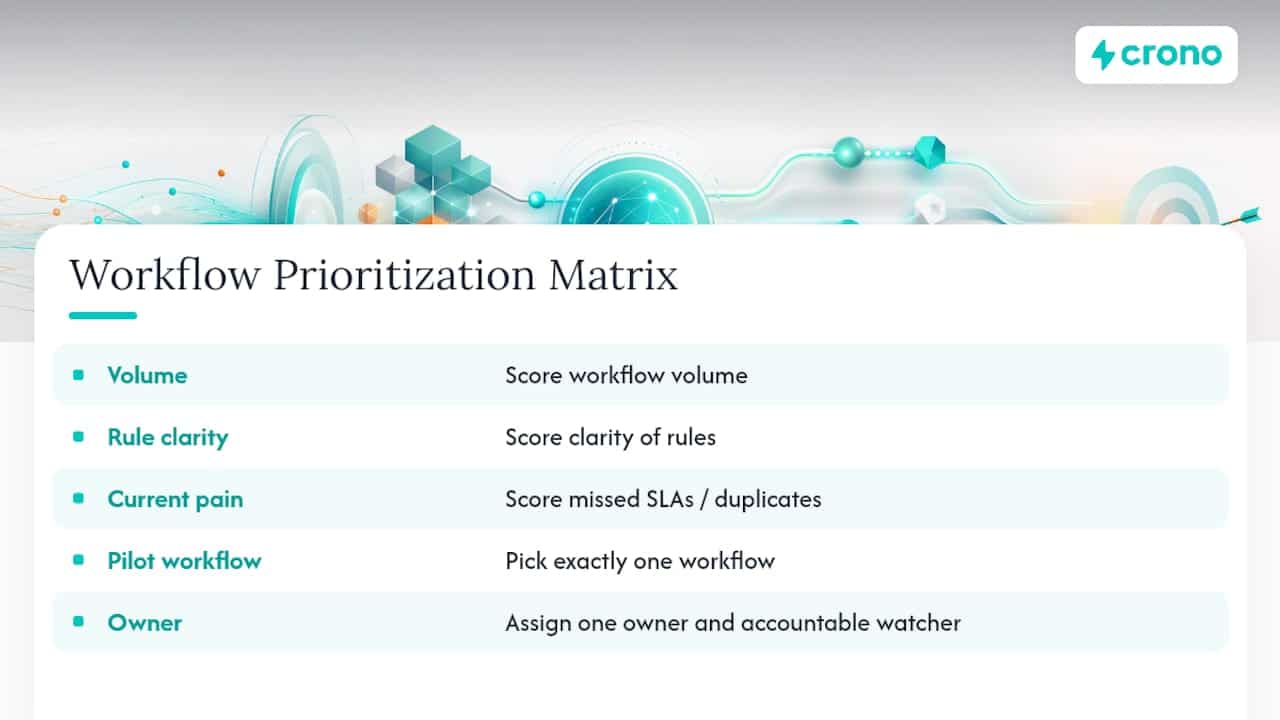
Step 3: Define the specifics before you build anything. Write down the trigger, the rule, the owner, the fields used, the downstream effect, the exception path, and the one metric that proves it worked. This document becomes your first registry entry.
Step 4: Build in a sandbox and test it like you mean it. Create test cases that cover the normal path and the edge cases you identified in Step 1. Run the pilot with a named owner accountable for watching it, not just launching it. If native tools can’t connect two systems, an integration platform can bridge the gap while you evaluate deeper orchestration.
Step 5: Roll out with monitoring built in. Set a review cadence (weekly for the first month, then monthly), define a rollback plan if the automation misfires, and document the whole thing somewhere your team can actually find it. Templates for the highest-volume workflows, like lead routing and handoff automation, can shorten this build phase considerably if you’re starting from zero.
How Do You Govern Automations Once They’re Live?
An automation without an owner is a liability waiting to surface during a board review. Maintaining a registry is the difference between a system you can audit in ten minutes and one nobody can explain when it breaks.
Your registry should track:
- Automation name and its business purpose in one sentence
- Trigger and rule logic, in plain language
- Rule owner and system owner (often two different people)
- Fields used and the downstream effect on other systems
- Exception path and who handles overrides
- Last reviewed date and the person accountable if it fails
| Metric | What it tells you |
|---|---|
| SLA completion rate | Whether the automation is hitting its response window |
| Manual reassignment count | How often a human had to override the rule |
| Duplicate rate | Whether data hygiene is holding up under automated writes |
| Override rate | How often users bypass the automation entirely |
Review each automation on a fixed cadence, not “whenever something breaks.” A monthly ten-minute check against this table catches drift before it becomes a forecast problem. Regular pipeline hygiene audits pair naturally with this cadence since stale fields are usually the first symptom of an automation quietly failing.
How Does an Execution Layer Like Crono Support These Recommendations?
Everything above assumes you have a way to actually connect the systems and act on the rules once they’re defined. That’s where an execution layer earns its place in the stack. Crono works by connecting your CRM, enrichment data, and multichannel outreach into one layer where automated workflows and human judgment operate side by side instead of in separate tools.
- Signal-driven routing: buying signals and intent data feed directly into prioritization, so reps see who to contact next without hunting across five systems.
- AI-assisted prioritization: instead of a flat queue, opportunities surface based on the rules your team already agreed on.
- Multichannel handoffs: when a lead moves from marketing to sales to customer success, the context, not just the record, moves with it across LinkedIn, email, and calls.
The point of an execution layer isn’t to replace your CRM. It’s to make the rules you already wrote actually run, consistently, without depending on someone remembering the next step.
When Should You Slow Down on RevOps Automation?
Slow down whenever the data is unreliable or the decision is genuinely subjective, like discounting for a strategic account or handling an escalation from a long-tenured customer. Those calls need a person, not a trigger, and rushing them to automate “everything” is how teams lose the accounts that matter most.
Speed up on the opposite end: high-volume, clear-rule workflows where leads are visibly leaking through the cracks, like unassigned inbound requests sitting for two days. My honest read after working through this framework is that most teams over-index on caution for the easy stuff and under-index on it for the risky stuff. Match your automation pace to how much revenue is actually leaking, not to how comfortable the workflow feels to build.
— Alex
Ready to Put This Into Practice?
Crono is built for teams that want to stop stitching together point tools and start running these workflows from one execution layer. Instead of bolting automation onto a CRM as an afterthought, Crono connects your enrichment data, buying signals, and multichannel outreach into unified workflows where AI agents handle the repetitive execution and your reps focus on the calls that need judgment.
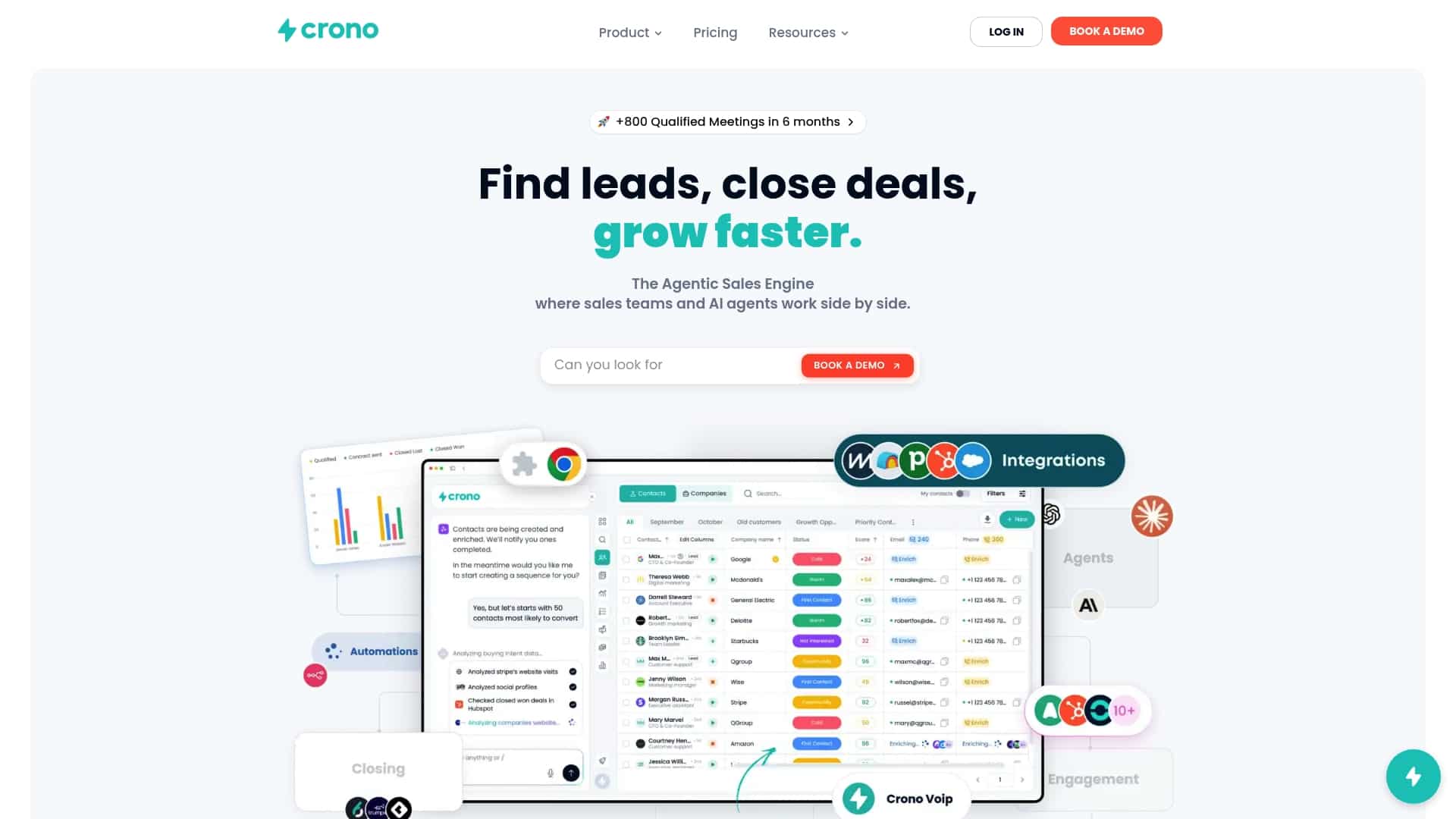
If you’re ready to pilot a lead routing or handoff workflow the way this guide outlines, start with the Agentic Sales Engine to see how credit-based automation scales with your volume, or check the pricing page to compare the Pro and Ultra plans against your current stack costs. Either way, the fastest way to know if this fits is to run one pilot workflow and measure it against the metrics this guide already gave you.
Sources
- RevOps Automation: What to Automate and What to Keep Human
- RevOps automation solutions | Zapier
- Revenue lifecycle management / what is revenue operations
FAQ
What Is RevOps Automation, in One Sentence?
It’s the orchestration layer that connects your CRM, enrichment tools, and execution channels so handoffs between revenue teams happen automatically instead of manually.
How Is RevOps Automation Different From Marketing Automation?
Marketing automation runs campaigns and nurtures within one channel or tool. RevOps automation coordinates the handoffs between marketing, sales, and customer success systems so no lead or account falls through the seams.
Which Workflow Should I Automate First?
Start with lead routing or SLA reminders. Both are high-volume, rule-based, and easy to measure with a metric like time to first contact.
How Much Does Crono Cost?
Current pricing details for Crono’s plans are listed on the Crono pricing page.
How Do I Know If My Data Is Reliable Enough to Automate?
Below that threshold, fix the data before you automate around it.
