
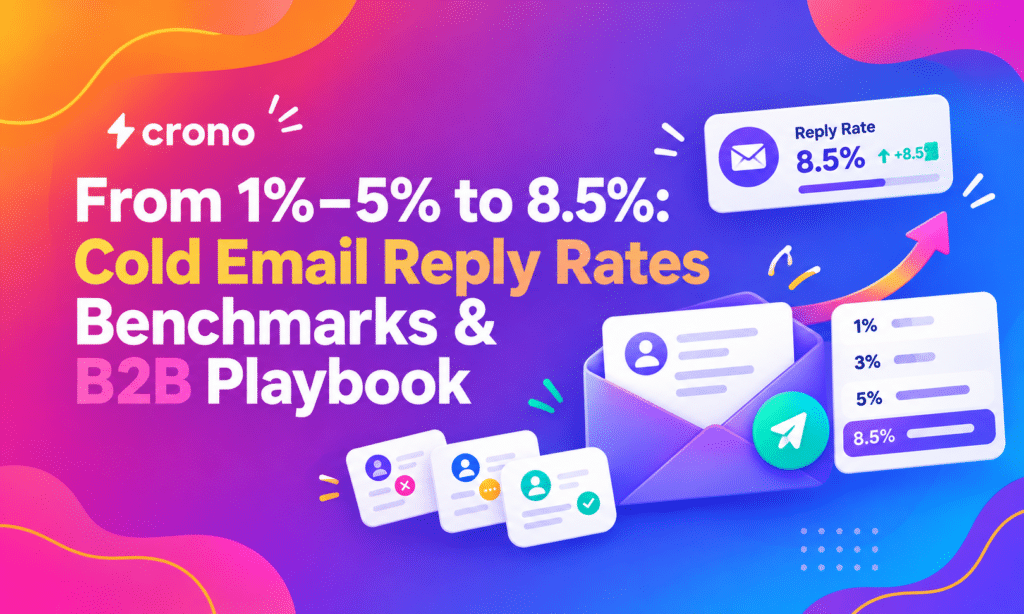
Most B2B cold email campaigns land a reply rate typically between low single digits, with well-targeted, personalized sequences pushing higher into the upper end of single-digit ranges. If your campaigns sit below that range, the fastest fix is measuring your current rate accurately, then testing personalization and follow-up cadence before touching anything else. Compare your number against replies to delivered emails, not opens, since that’s the definition most benchmarks use.
TL;DR:
- Focusing on improving list quality, deliverability, and short, personalized subject lines delivers the quickest response rate gains.
- Reply rates typically fall between 1% and 5% for broad campaigns but can reach 8.5% in highly targeted outreach, with most replies being negative.
- Prioritizing relevance, personalized triggers, and a structured follow-up cadence significantly boosts reply rates more than other adjustments.
- Accurate reply rate measurement should be based on delivered emails and separated by reply type and segment for meaningful benchmarking.
- Major improvements emerge within one quarter by systematically testing and optimizing subject lines, sequences, and scoring processes.
Table of Contents
- What do cold email reply rate benchmarks actually show?
- What actually moves the needle on reply rates?
- How do you correctly measure and report reply rate?
- How can you improve reply rates step by step?
- What should your templates and sequence actually look like?
- How do Crono’s tools support this playbook?
- What should you test first this quarter?
- How Crono turns this playbook into a repeatable system
- Where do these benchmarks come from?
- Sources
- FAQ
What do cold email reply rate benchmarks actually show?
Benchmark numbers vary a lot depending on who ran the study, how they define a “reply,” and how targeted the list was. Three tiers show up consistently across the data available:
- Mid-range performance: achievable with tighter targeting and message relevance, typically signaling above-average execution according to practitioner reports.
That caution matters more than the headline number. Track reply sentiment, not just reply volume.
| Range | Typical driver | What it signals |
|---|---|---|
| 1% to 5% | Broad targeting, generic messaging | Standard baseline for most B2B campaigns |
| 1% to 5% | Tighter ICP fit, some personalization | Above-average execution |
| 8.5%+ | Highly targeted lists, practitioner-reported data | Strong performance, but check reply sentiment |
Before comparing your own numbers to any of these, settle on one definition of “reply.” Some teams count any inbound message, including out-of-office autoresponses and hard no’s. Others count only positive or qualified replies that lead to a conversation. Report both, or at minimum, state clearly which one you’re using, so benchmarks and internal targets stay comparable over time.
What actually moves the needle on reply rates?
Not every lever has the same weight. Some changes can shift your reply rate by several points, and others just tidy up the margins. Prioritizing correctly saves months of testing on low-impact tweaks.
- Personalization and relevance: messages that reference a specific trigger, role, or company detail consistently outperform generic templates, and this is usually the highest-leverage change you can make.
- List quality and ICP fit: no amount of clever copy fixes a list of the wrong titles or the wrong company size. This sets the ceiling before you even write a subject line.
- Subject line and preview text: these determine whether the email gets opened at all, which caps how many people ever see your ask.
- Size of the CTA: a small, low-friction ask (“worth a quick reply?”) tends to outperform a hard meeting request on a first touch.
- Deliverability hygiene: none of the above matters if your emails land in spam. Domain warm-up, sender authentication, and list verification are foundational, not optional.
Pro Tip: Fix deliverability and list quality first. Personalization on a bad list, or a well-targeted list that never reaches the inbox, wastes effort either way.
How do you correctly measure and report reply rate?
The formula itself is simple, but teams get inconsistent results when they skip the details around it.
- Calculate the core rate: reply rate equals total replies divided by delivered emails, not emails sent. If you sent 1,000 emails and 950 were delivered, with 40 replies, your reply rate is 40 divided by 950, or about 4.2%.
- Separate reply types: track “any reply,” “positive reply,” and “meeting booked” as three distinct numbers rather than blending them into one metric.
- Connect it to open rate: if 400 of those 950 delivered emails were opened and you got 40 replies, your reply-to-open rate is 10%, a useful secondary metric for diagnosing whether the problem is opens or content.
- Cohort your data: break results out by list source, campaign, and persona so a strong-performing segment doesn’t mask a weak one.
- Check your sample size: a 10% reply rate on 20 emails tells you almost nothing. Wait for at least 100 to 200 delivered emails per variant before trusting the comparison.
- Watch for common pitfalls: counting bounced emails in your denominator, mixing cold and warm lists in the same report, and comparing campaigns run in different seasons without noting the difference.
How can you improve reply rates step by step?
Once measurement is solid, the highest-impact changes cluster around five areas. Work through them roughly in this order.
- Subject lines: short lines of four to seven words tend to outperform longer, generic ones, and Crono’s own guidance on 4-7-word B2B subject lines points to meaningful reply-rate lift from this change alone.
- Micro-personalization that scales: referencing a recent funding round, a job change, or a specific pain point tied to the prospect’s role works better than inserting a first name into a template. Research on personalized content and engagement backs the broader principle that relevance drives response.
- Follow-up cadence: most replies come after the first message, not from it. A three-to-five touch sequence spaced several days apart, with each message adding new value rather than repeating the ask, tends to outperform a single email.
- Deliverability checklist: warm up new domains gradually, verify email addresses before sending, and set up SPF, DKIM, and DMARC correctly.
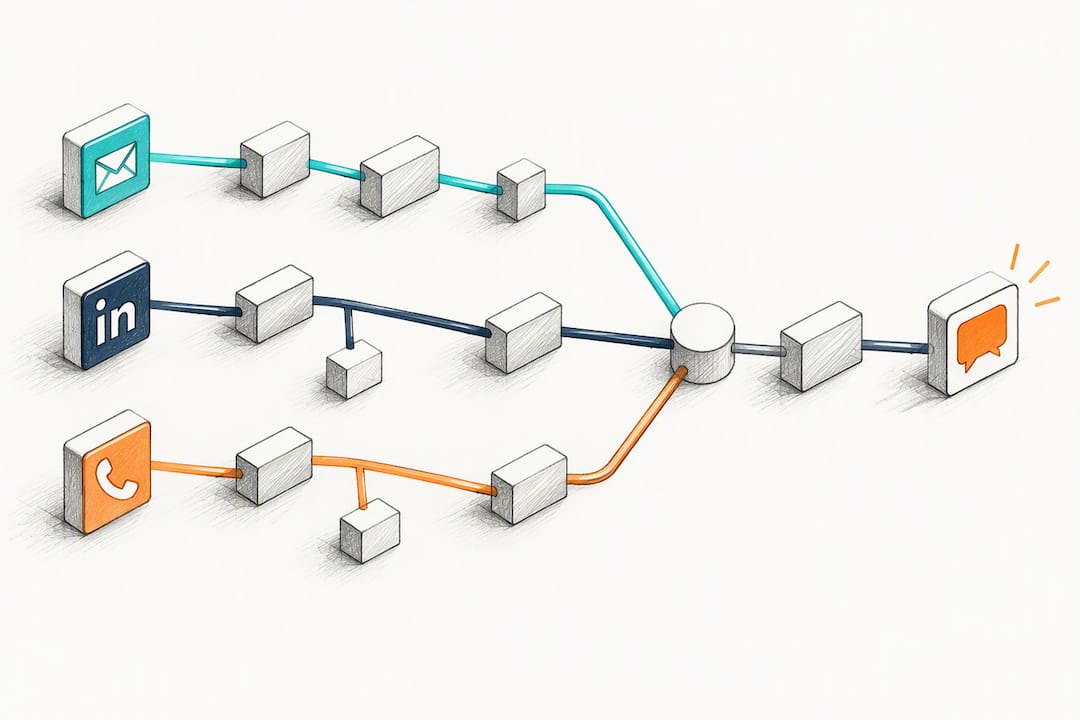
- Multichannel touches: adding a LinkedIn touch or a call between email steps can lift response rates beyond what email alone achieves.
- Week one: clean your list and verify deliverability settings.
- Week two: test two subject-line variants on a small segment.
- Week three: introduce one personalization token tied to a real trigger.
- Week four: add a second follow-up message and measure the shift.
Pro Tip: Change one variable at a time. Testing a new subject line and a new CTA in the same send makes it impossible to know which one moved the number.
For a broader look at sequencing and channel mix, Crono’s guide to B2B cold outreach strategies walks through additional tactics worth layering in once the basics are solid.
What should your templates and sequence actually look like?
A workable sequence runs three to five messages, each shifting the value offered and lowering the size of the ask as it goes.
- Opener for executives: lead with a specific, relevant observation about their business, then ask a low-friction question rather than pushing for a meeting immediately. Crono’s cold email template for B2B software companies shows this structure in practice.
- Opener for mid-level managers: focus on a day-to-day pain point tied to their role instead of company-wide strategy, since managers respond better to operational relevance than executive framing.
- First follow-up: add a new piece of information, a relevant statistic, or a short case reference rather than repeating the original pitch. Crono’s follow-up email templates offer adaptable copy for this stage.
- Second follow-up: shrink the ask further, down to a simple yes or no question.
- Closing or breakup message: state plainly that you’ll stop reaching out, which often prompts a reply from prospects who were quietly interested but hadn’t responded yet.
Keep personalization tokens specific rather than cosmetic, and space messages three to five business days apart so the sequence feels considered rather than automated.
How do Crono’s tools support this playbook?
Crono’s 30% Reply Rate template applies the same personalization and cadence principles covered above in a ready-to-use format, and its outbound scorer helps teams rank prospects before writing a single word, which keeps effort focused on the segments most likely to reply.
- Subject-line testing: run the four-to-seven-word formula as an A/B test directly inside a sequence.
- Follow-up sequencing: build the three-to-five message cadence described above as a reusable workflow.
- Scoring and prioritization: use an outbound scorer to rank leads before a rep spends time personalizing an opener.
What should you test first this quarter?
Start with quick wins: subject-line A/B tests, one follow-up cadence change, and a list cleanup pass. These take days, not weeks, and often produce the first visible lift. Move next to mid-effort work, personalization at scale and deliverability fixes, which take a few weeks to show results. Save multichannel orchestration and AI-assisted message generation for last, once the fundamentals are solid. Expect meaningful movement within one full quarter, not one campaign.
How Crono turns this playbook into a repeatable system
Running subject-line tests, follow-up sequences, and lead scoring manually across a growing team gets unwieldy fast. Crono connects your CRM and outreach tools into one execution layer, so the personalization, scoring, and multichannel sequencing described above run as repeatable workflows instead of one-off spreadsheets.
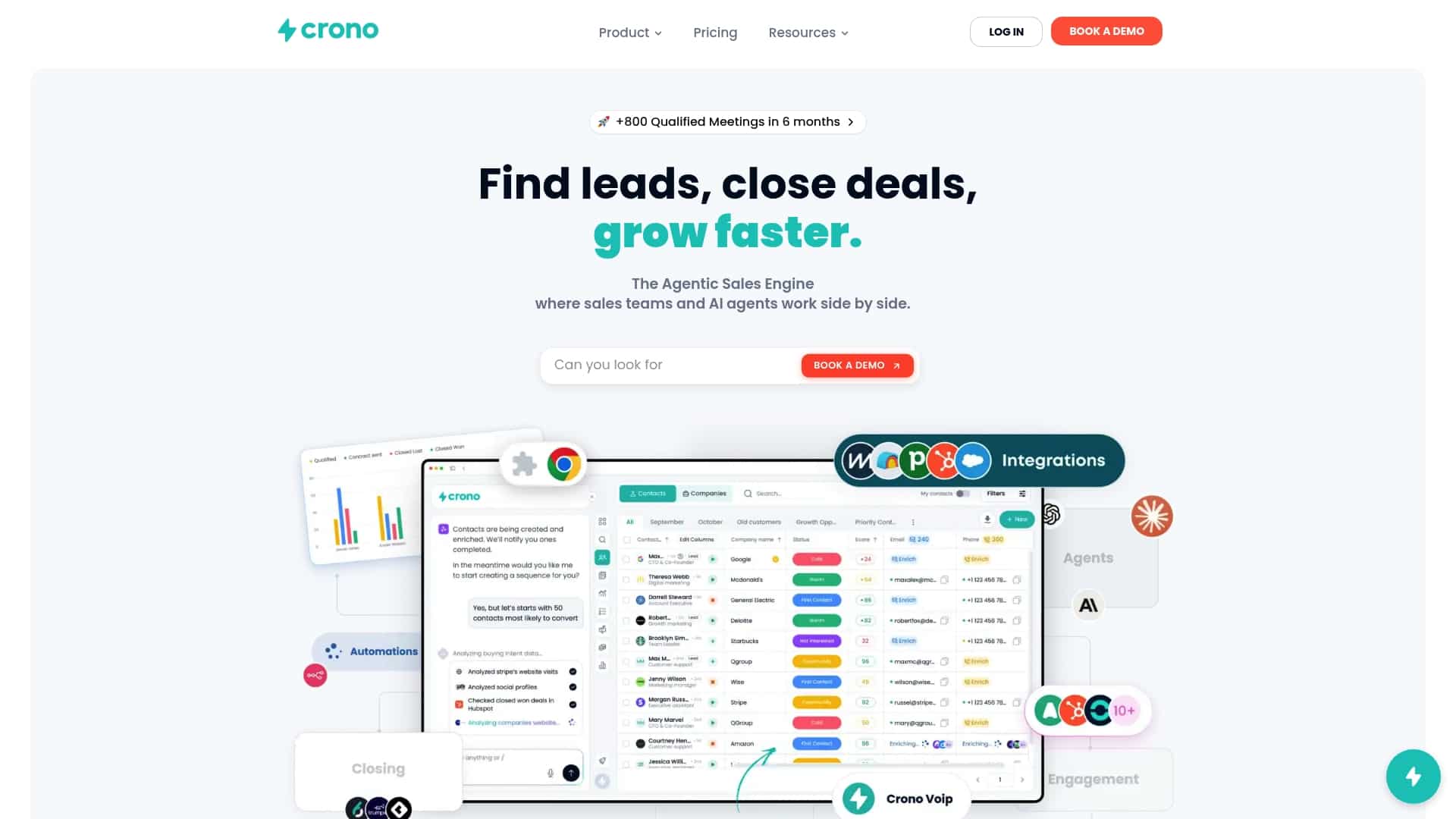
If you want to see how the Agentic Sales Engine and orchestration workflows apply to your own pipeline, check Crono’s pricing plans starting from 79 € per month per seat for the Pro plan, or explore the agentic sales engine options built for teams running higher-volume outbound.
Where do these benchmarks come from?
- Chris Orlob’s LinkedIn post on average reply rates: offers a practitioner-reported data point around 8.5%, with an important caveat on reply sentiment.
- GMass and Woodpecker benchmark analyses: widely cited for the 1% to 5% baseline range common across B2B campaigns.
- Crono’s own template and subject-line guidance: used to validate specific tactics like short subject lines and structured follow-up sequences.
Sources
FAQ
What is a good reply rate on cold email?
A reply rate in the low single digits is typical for most B2B campaigns, while well-targeted, personalized outreach can push into the upper single digits. Some practitioner datasets report averages near that higher range for certain campaigns, though a meaningful share of those replies tend to be negative rather than qualified interest.
What is the 30/30/50 rule for cold emails?
Definitions of this rule vary across sources, and no verified industry standard defines it consistently. If your team has seen it referenced elsewhere, treat it as a general framing rather than a fixed benchmark, and rely on your own cohorted data for real targets.
What is a good cold email click rate?
Click rates in cold email are typically lower than reply rates since not every recipient who opens or replies also clicks a link. Because click-rate benchmarks vary significantly by industry and by the type of call to action used, it’s more reliable to track click rate against your own historical campaigns than against a single universal number.
What is a good conversion rate for a cold email?
Conversion rate depends entirely on what you’re counting as a conversion, whether that’s a reply, a booked meeting, or a closed deal, so there’s no single figure that applies across campaigns. Track each stage separately (reply rate, meeting rate, close rate) so you can see exactly where prospects drop off.
How can I increase my cold email response rate quickly?
The fastest lifts usually come from cleaning your list, shortening subject lines to four to seven words, and adding one well-timed follow-up message. Larger gains from personalization at scale or multichannel sequencing typically take a full quarter to show up clearly.
