

Most outbound teams don’t have an automation problem. They have a stack problem.
After analyzing 500+ sales teams through Crono’s free B2B outbound audit, the same pattern appears consistently: most aren’t failing because they lack automation — they’re failing because their automation is built on a broken architecture. Bad data feeding good tools, or good tools that don’t talk to each other.
Here are the seven outbound sales automation tools we cover in this guide:
- Crono — Best all-in-one platform for B2B teams
- Apollo — Best for teams starting outbound on a flexible budget
- Clay — Best for precision targeting and enrichment before outreach
- Salesforge — Best if cold email deliverability is the core problem
- Outreach — Best for large enterprise teams needing revenue intelligence
- Lemlist — Best for visual personalisation and multichannel campaigns
- HubSpot Sales Hub — Best for teams that want outbound built into their CRM
If you’re evaluating outbound sales automation software, look for a platform that can:
- Source and enrich contact data automatically, so reps aren’t starting every day by manually building lists or cross-referencing databases.
- Run multichannel sequences from one place — email, LinkedIn, and phone — without requiring your team to log into three different tools to execute a single outreach flow.
- Log every activity to your CRM without manual input. If reps have to update records themselves, they won’t — consistently. The data will be incomplete, and so will your pipeline visibility.
- Give managers something more useful than open rates. Sequence metrics tell you how a campaign performs. They don’t tell you which deals are going cold, which reps need support, or where to focus today.
- Work with the tools you already have rather than requiring you to replace your entire stack to get value from it.
Read more: B2B Outbound Audit: Improve Your Sales Strategy in 4 Minutes
| Crono | Apollo | Clay | Salesforge | Outreach | Lemlist | HubSpot Sales Hub | |
|---|---|---|---|---|---|---|---|
| Best for | All-in-one outbound for B2B teams | Budget-conscious teams starting outbound | Precision targeting and enrichment | Cold email deliverability | Enterprise revenue intelligence | Visual personalisation and multichannel | CRM-native outbound for growing teams |
| Includes sequencer | ✓ | ✓ | ✗ | ~Email only | ✓ | ✓ | ✓ |
| LinkedIn automation | ✓Compliant browser extension | ✓Available | ✗ | ✗ | ✓ | ✓ | ✗ |
| Multi-provider enrichment | ✓10 providers, waterfall logic | ✗Single database | ✓100+ sources | ✗ | ✗ | ~Built-in database | ✗ |
| Native CRM sync | ✓HubSpot, Salesforce, Pipedrive | ✓ | ~Via integration | ✗ | ✓Deep Salesforce | ✓ | ✓Native |
| Manager reporting | ✓Rep + pipeline level | ~Sequence level | ✗ | ✗ | ✓Revenue intelligence | ~Basic | ✓Pipeline level |
| Pricing | From €79/user/mo | From $49/user/mo | From $134/mo | From $48/mo | ~$100–150/user/mo | From $39/user/mo | From $90/user/mo |
| Monthly billing | ✗ | ✓ | ✓ | ✓ | ✗ | ✓ | ✓ |
Find your outbound failure mode in 60 seconds
Most teams searching for outbound automation software already have some automation in place. The problem isn’t usually “we have no tools” — it’s that the tools aren’t working together, the data feeding them is stale, or the wrong problem is being automated.
Answer four questions to find out where your stack is actually breaking down.
The visual below shows where each tool in this guide fits across the outbound workflow — use it to understand which stages each tool covers before committing to a shortlist.
1. Crono: Best all-in-one outbound sales automation platform for B2B teams
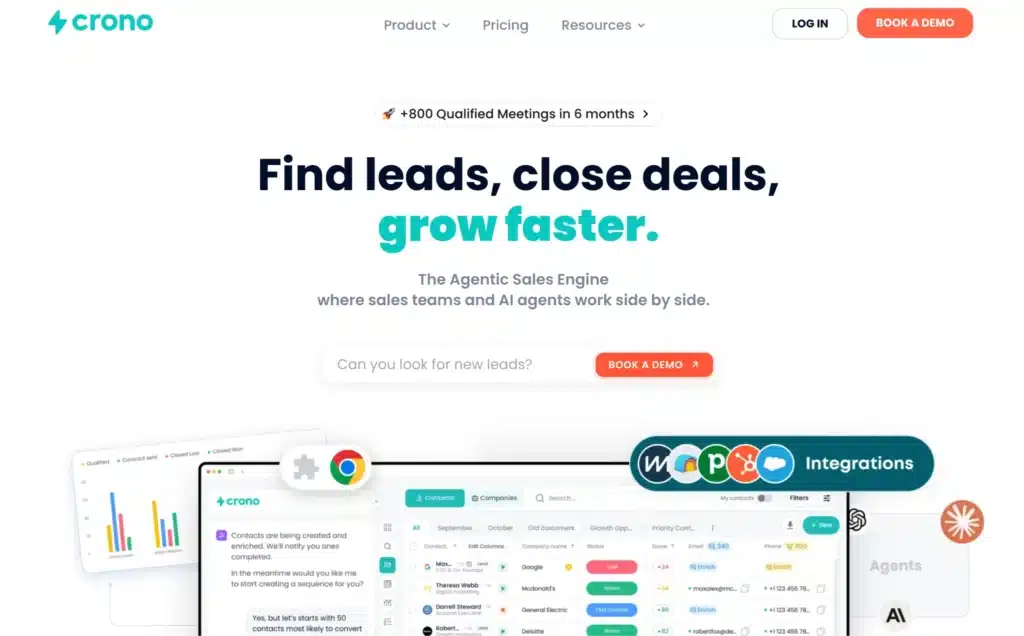
Crono is the first AI go-to-market platform built for B2B sales teams that run structured outbound. It covers the full outbound workflow in one place — from sourcing and enriching leads, to running personalised multichannel sequences, to automatic CRM sync.
For most sales teams, running effective outbound involves solving a few recurring problems:
- Sourcing and enriching contact data without jumping between tools
- Keeping CRM records accurate without relying on reps to log everything manually
- Giving managers visibility into what’s actually happening across the pipeline
A standalone sequencer can automate emails and LinkedIn messages, but it still leaves your team stitching together separate tools for data, CRM sync, and reporting. That means more tab-switching, more manual work, and less time selling.
Crono brings all of that into one platform, so reps, managers, and back-office operations are always working from the same data.
Below, we’ll show you how Crono handles outbound from first contact to closed pipeline:
#1 Build and enrich your lead list automatically, without switching between tools
When a platform relies on a single contact database, there’s no fallback when records are stale or missing. Reps either skip the contact or spend time manually filling in what’s missing — hours lost before outreach has even started.
Crono solves this with waterfall enrichment across ten data providers, including Hunter, Prospeo, ContactOut, RocketReach, FindyMail, Datagma, Cleon1, IcyPeas, Forager, etc. When a contact is added, Crono queries each provider in ranked order until a verified email or phone number is found. The best available result is returned automatically, without any manual input from the rep.
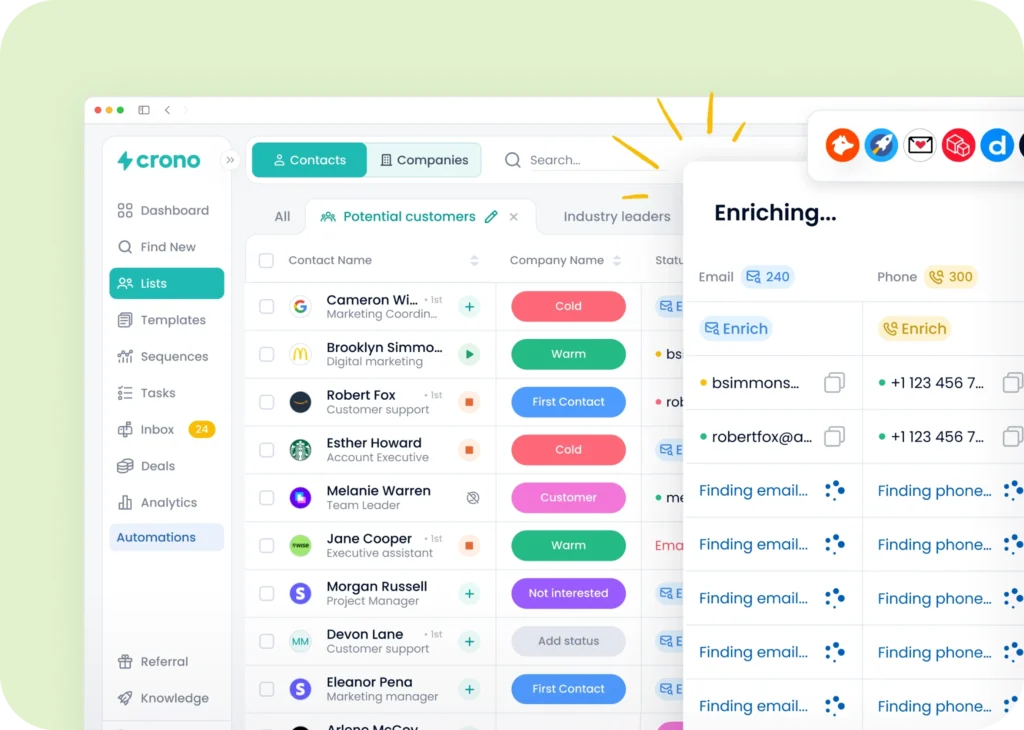
With Crono, your team can:
- Source leads across 700M+ contacts using firmographic, demographic, behavioural, and intent data. Filter by company size, industry, job title, tech stack, hiring signals, funding stage, and more — then add them directly to a sequence without leaving the platform.
- Enrich every contact with verified emails and phone numbers automatically. Crono queries ten providers in sequence so reps aren’t cross-referencing databases or chasing down contact details before outreach can begin.
- Qualify contacts before a rep makes first contact using AI custom fields. Crono can visit a contact’s website or LinkedIn profile in real time and extract qualifying information — company type, business model, seniority signals — and populate that directly onto the contact record.
Read more: Best AI Tools for Sales Prospecting: 9 Options, How They Work & How To Choose
#2 Run personalised multichannel sequences and sync every activity to your CRM automatically
When outreach and logging happen in separate tools, CRM records end up incomplete and managers can’t trust the pipeline data they’re looking at. Reps spend the end of every day updating records instead of selling.
Crono manages LinkedIn, email, and phone sequences from one platform and syncs every completed activity to HubSpot, Salesforce, or Pipedrive in real time. LinkedIn automation runs through the user’s own browser extension and existing Sales Navigator session, without relying on data collection methods that conflict with LinkedIn’s Terms of Service.
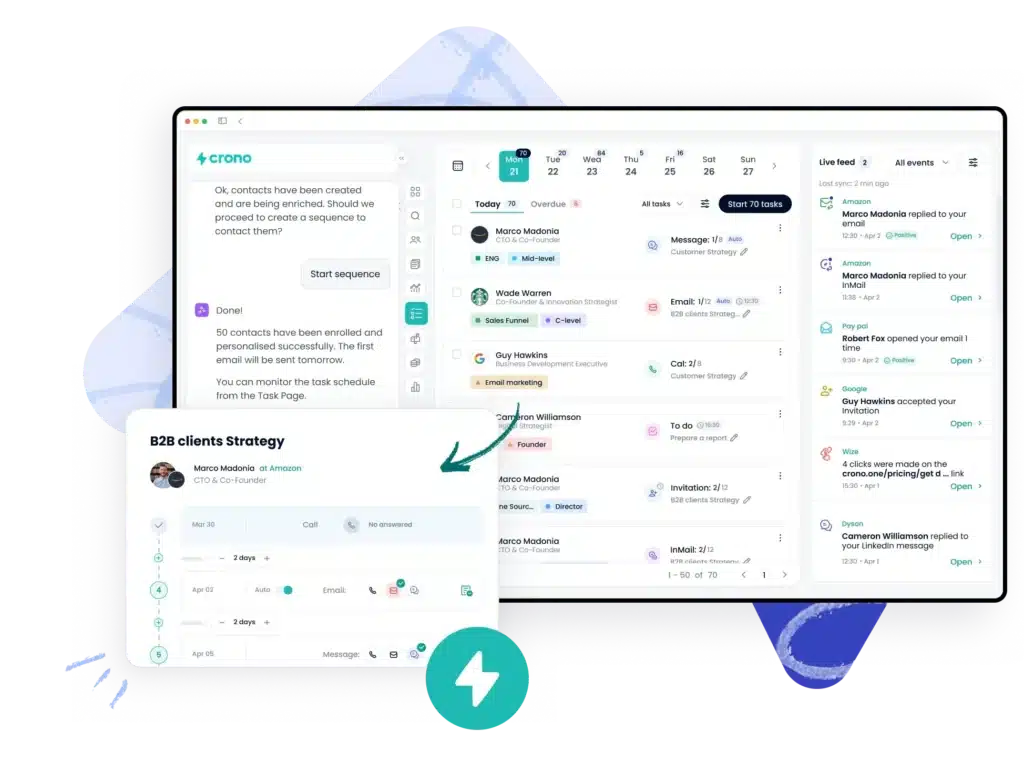
From one sequence builder, your team can:
- Build and launch multichannel sequences in one place. Set the order of LinkedIn steps, email touches, and call tasks in a single sequence builder. Each step triggers automatically based on the previous one — no tab-switching, no manual advancement between channels.
- Personalise every message using real-time data for each lead. Crono drafts sequence content using each contact’s LinkedIn activity, company news, and public signals. Every message is adapted to the individual — not just variable-inserted from a fixed template.
- Log every activity to your CRM the moment it happens. LinkedIn messages, emails, calls, and completed steps are written to the correct contact and deal record automatically. Reps don’t update records manually, and managers don’t have to chase them to understand where deals stand.
As one Head of Sales at TravelPerk put it after switching: “In the past, we required several tools, so information was scattered across them all and we were having many synching issues.”
Read more: How Serenis built a social selling outbound system with Crono
#3 Track buying intent, surface pipeline signals, and adapt sequences for new audiences using AI
Open rates and reply rates tell you how a campaign performed, not which contacts are showing buying intent right now, which deals are going cold, or where a rep needs to focus today
Crono tracks buying intent signals across your leads — email opens, website visits, job changes, company news — and surfaces those directly to reps as priority actions.
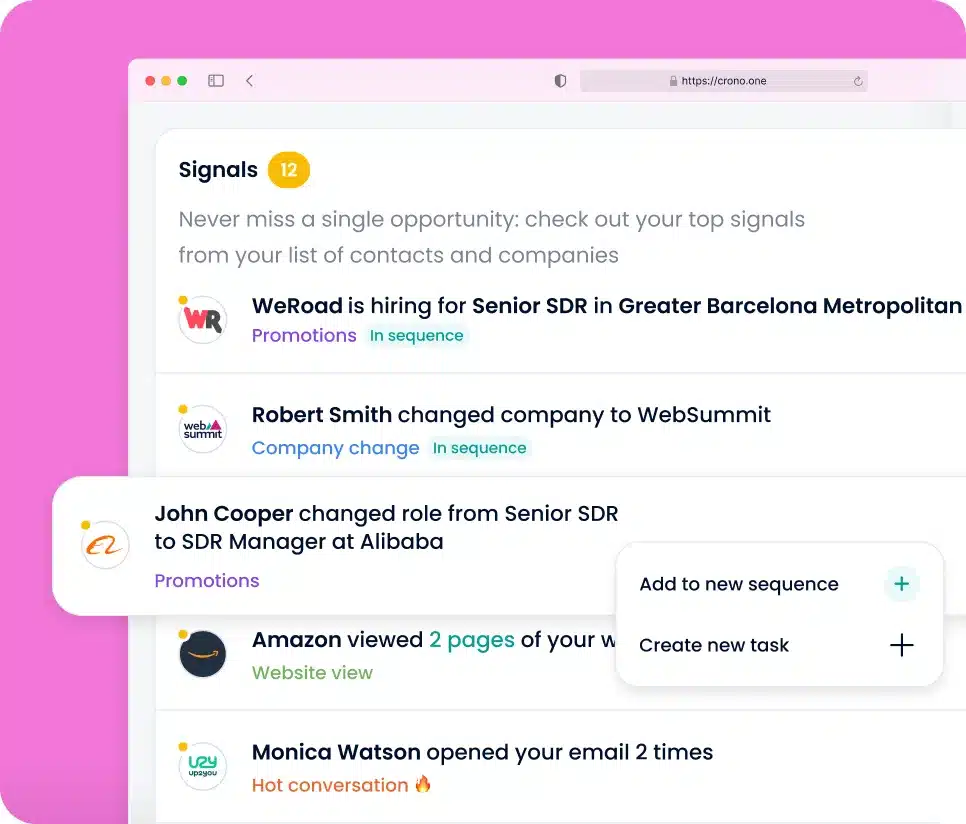
Managers get a single dashboard showing rep activity, sequence performance, and pipeline movement in one place.
From that dashboard, your team can:
- Engage prospects at the exact right moment using intent signals. When a contact opens an email repeatedly, revisits your pricing page, or changes jobs, Crono flags it as a priority follow-up. Reps act on live signals rather than working through a static queue in sequence order.
- Track rep activity and pipeline health side by side. View outreach volume, response rates, and deal progression by rep in one dashboard — without pulling data from separate reporting tools or waiting for end-of-week updates.
- Expand into new segments without rebuilding sequences from scratch. If you have a sequence that converts well for CFOs and want to target VPs of Finance at a similar set of accounts, add the new contact list and Crono rewrites every step for that role. The structure stays the same — the messaging adapts to each contact automatically.
Read more: How Unguess expanded their proposal pipeline to $2M with Crono
Pricing:
- Pro: €79/user/month (billed annually or quarterly)
- Ultra: €119/user/month (billed annually or quarterly) — includes Salesforce integration, signals, lead scoring, and a built-in VoIP dialer
- Enterprise: Custom pricing for teams of 50+
Book a free demo to see if Crono is right for your team.
6 additional outbound sales automation tools worth considering
1. Apollo — Best for teams starting outbound on a flexible budget
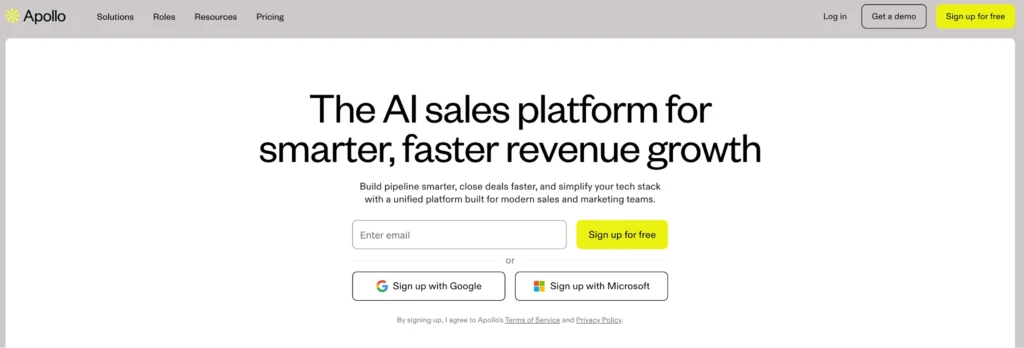
Apollo covers contact data, email and LinkedIn sequencing, and CRM integration at a lower price point, with monthly billing available. For a founding AE or a small team building their first outbound motion, it’s the most accessible entry point into a combined data and sequencing platform.
The limitations that come up consistently: data quality is uneven, particularly for non-US markets and phone numbers. The credit system depletes faster than expected when AI features are in regular use. And at scale, the interface gets difficult to manage.
One r/sales commenter noted that “Apollo’s data has gone significantly downhill since their last funding round — even emails are starting to get sketchy, direct dials aren’t worth calling anymore.” That’s consistent with what most waterfall enrichment setups show: Apollo data is used as a fallback provider, not a primary one.
Apollo works well for teams at the beginning of their outbound journey who need flexibility and a low barrier to entry. It’s harder to justify as data reliability and reporting depth start to matter.
Pricing: From $49/user/month (billed annually). Monthly plans available.
Read more: 7 Best Apollo Alternatives to Book More Meetings
2. Clay — Best for teams that want precision targeting before outreach begins
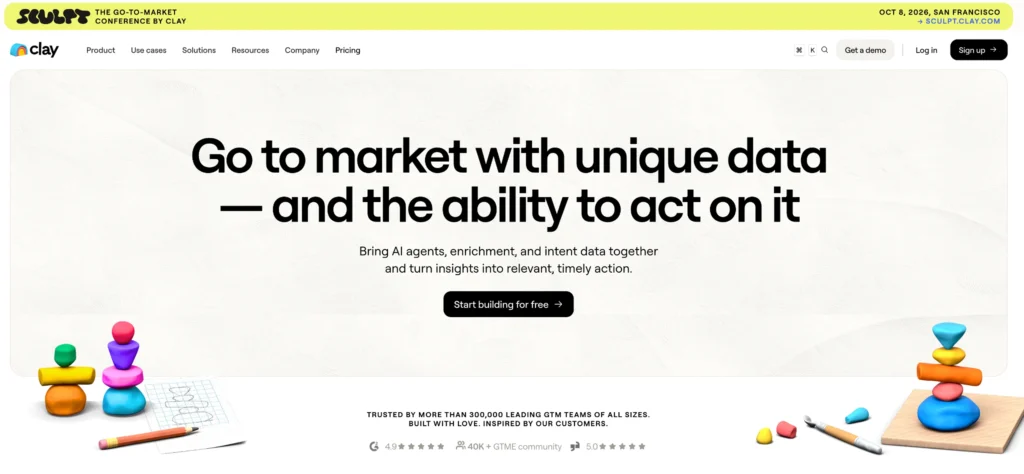
Clay is not an outreach tool. It’s a no-code data enrichment platform that pulls from over 100 data sources and lets teams build enriched lead lists using conditional workflow logic — tech stack, hiring signals, funding rounds, G2 reviews, web visits, and other intent data. The list is then pushed into a sequencing tool for execution.
The r/sales and r/automation threads are consistent on this: Clay is the strongest data layer available, but it has a real learning curve and gets expensive at volume. As one commenter put it: “Clay is good when you outgrow vanilla filters and want to mix in intent data — but it still needs another tool for sending.”
Clay is suited to growth teams, RevOps engineers, or agencies running account-based motions where targeting precision matters more than speed of execution. For teams that want one platform handling both data and sending, Clay requires combining with at least one other tool.
Pricing: From $134/month (1,000 monthly runs). Credit costs scale with enrichment volume.
Read more: How to use Clay with Crono for account-based outbound
3. Salesforge — Best if cold email deliverability is the core problem
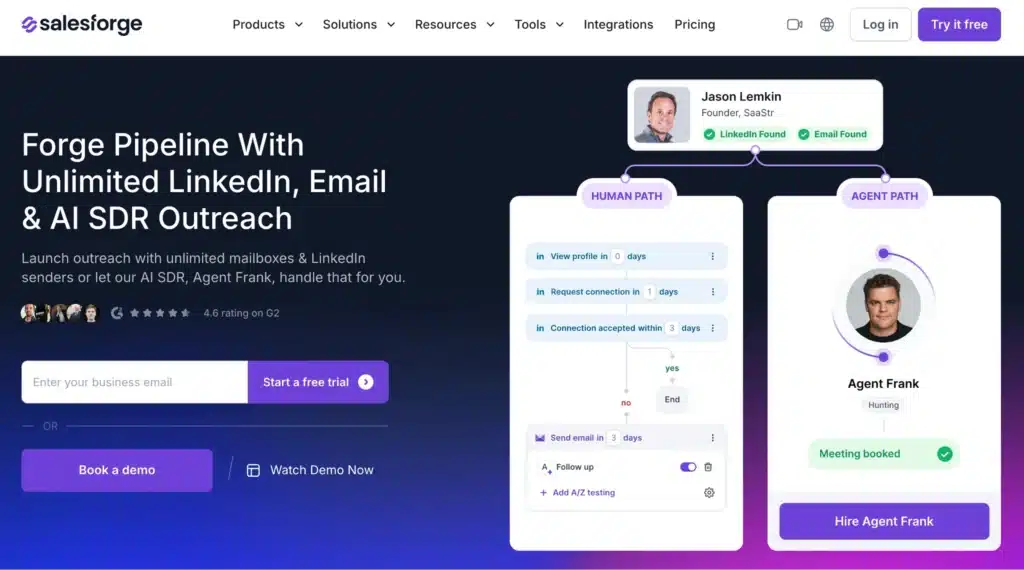
If your outbound emails are landing in spam, generating high bounce rates, or damaging domain reputation, the root cause is almost always infrastructure — not copy or targeting.
Salesforge treats email infrastructure as its core product: private IP management, dedicated domain setup, inbox warmup through its Warmforge tool, and inbox rotation across unlimited mailboxes. The AI personalization layer sits on top of this foundation.
Salesforge is primarily focused on cold email. Teams that also need LinkedIn automation, multi-provider enrichment, and CRM-integrated workflows will find they’re building a multi-tool stack rather than working from one platform. If deliverability is the specific problem, it’s the right tool. If it’s one of several problems, a more complete platform will serve you better.
Pricing: From $48/month. AI SDR starts at $499/quarter.
4. Outreach — Best for large enterprise teams that need revenue intelligence
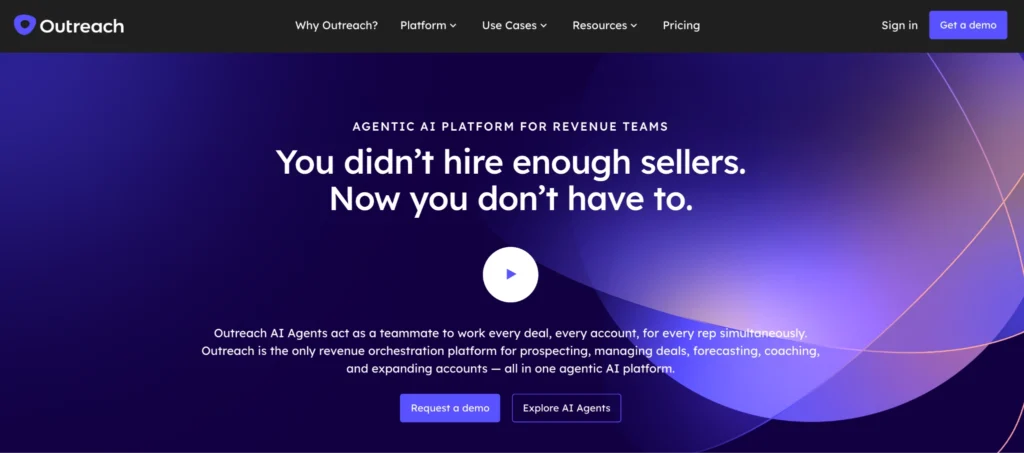
Outreach is a sales execution platform for large, structured organizations. Its core use cases go beyond sequencing: pipeline forecasting, conversation intelligence, rep coaching, and deep Salesforce integration are where it’s strongest.
For teams of 40 or more reps with a RevOps function managing forecast accuracy, Outreach provides capabilities that most alternatives on this list don’t match at that scale. For a 10–20 person team looking for a better outbound platform, it introduces implementation overhead and per-user cost that rarely makes sense.
Outreach doesn’t include a contact database and is typically paired with Cognism or ZoomInfo for data.
Pricing: ~$100–150 per user per month.
Read more: 5 Outreach Alternatives Under $100
5. Lemlist — Best for teams that rely heavily on visual personalisation
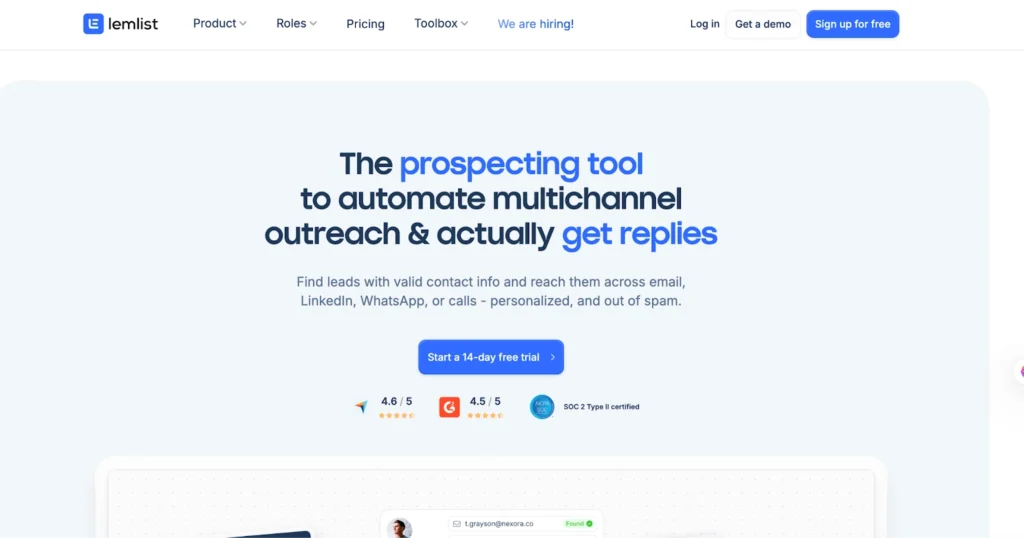
Lemlist is built around personalised multichannel outreach with a strong emphasis on creative differentiation: personalised images, video thumbnails, and custom landing pages embedded into email sequences. For teams where standing out visually in the inbox is a priority, it offers capabilities most sequencers don’t.
It also includes a built-in lead database (450M+ contacts) and a LinkedIn automation layer. The trade-offs are consistency: inbox warmup through Lemwarm has mixed reviews, data quality from the built-in database is variable, and core features like inbox rotation and image personalisation require the $99+ plan.
Lemlist is suited to smaller teams running creative, personalised campaigns at moderate volume. It’s not built for high-volume sending across many mailboxes.
Pricing: From $39/user/month. Full multichannel features from $99/user/month.
Read more: Struggling with Lemlist? Try These 5 Alternatives With More Credits
6. HubSpot Sales Hub — Best for teams that want outbound built into their CRM
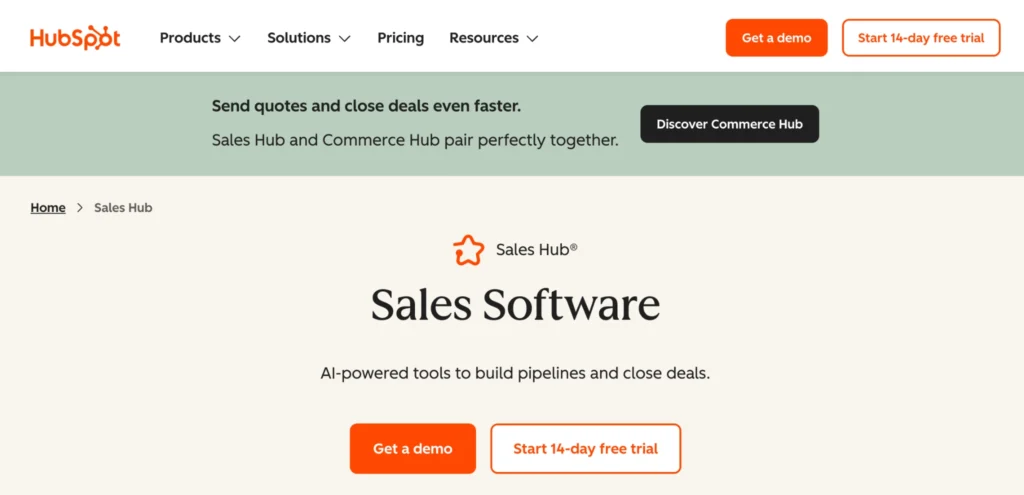
HubSpot Sales Hub is the most natural choice for teams already running HubSpot as their CRM. It covers email sequencing, task automation, call logging, deal pipeline, and reporting natively — without requiring a separate outbound platform.
The trade-off is depth. HubSpot’s sequences are less flexible than dedicated outbound tools, LinkedIn automation isn’t native, and contact enrichment requires third-party integrations. For teams whose primary need is a clean, low-friction outbound workflow that stays inside their existing CRM, it works well. For teams running complex multichannel outbound at scale, it hits limits quickly.
Pricing: Sales Hub Professional from $90/user/month.
How to choose the right outbound sales automation software
The question most buyers get wrong is “which tool has the most features?” The right question is “which tool solves the specific thing slowing my team down?”
If your team is currently running a fragmented stack — Apollo for data, Clay for enrichment, a sequencer for email, LinkedIn manually, and Zapier to hold it together — the visual below shows what that looks like versus a unified platform. If you recognise your current setup on the left, the fix isn’t a better Zapier workflow.
Run outbound more efficiently with Crono
For B2B sales teams running outbound across multiple channels, managing prospecting across disconnected tools slows down the entire operation. Every contact that can’t be enriched, every activity that doesn’t make it into the CRM, and every sequence that has to be rebuilt from scratch for a new audience is time your reps aren’t spending selling.
Crono solves this by bringing lead sourcing, sequencing, CRM sync, and pipeline reporting into one platform, so reps and managers are always working from the same data.
Crono customers including Alibaba.com France (+130% new customer growth) and Spoki (+12% ACV increase) have used Crono to connect outbound activity directly to revenue.
With Crono, your team can:
- Source and enrich contacts across ten data providers without manually cross-referencing tools
- Run LinkedIn, email, and phone sequences from one platform using a compliant browser-based integration
- Log every activity to HubSpot, Salesforce, or Pipedrive automatically without relying on reps to update records manually
- Give managers real-time visibility into rep activity, engagement signals, and pipeline movement from one dashboard
- Adapt sequences to new audiences using AI that rewrites context for each role, without rebuilding from scratch
Read more: 6 Outbound Sales Software That Also Automate LinkedIn Outreach
Book a free demo to see how Crono works for your team.
Crono is an AI Sales Orchestration Platform built for B2B sales teams. This guide reflects our honest view of the competitive landscape, including where other tools are a better fit.
Not sure where to start?
Start with the Playbook.
Download our free Sales Playbook 2026 and learn how top B2B teams structure their outbound process.
 BANT, SPICED & MEDDPICC frameworks
- 30+ ready-to-use sales templates
- 2026 outbound & pipeline benchmarks
Don't sell the product. Sell the change the product makes possible.
Build the process before the pipeline.
