

Finding sales automation software that connects signals, automates outreach, and keeps lead prioritization clear often stalls as teams scale.
Many competitors require manual orchestration and force teams to switch between multiple tools just to automate workflows and follow up.
This comparison covers pricing, workflow depth, and integration options across Crono, Curvo, and Tvara so you can match one to your team’s requirements without trial-and-error.
Crono
At a Glance
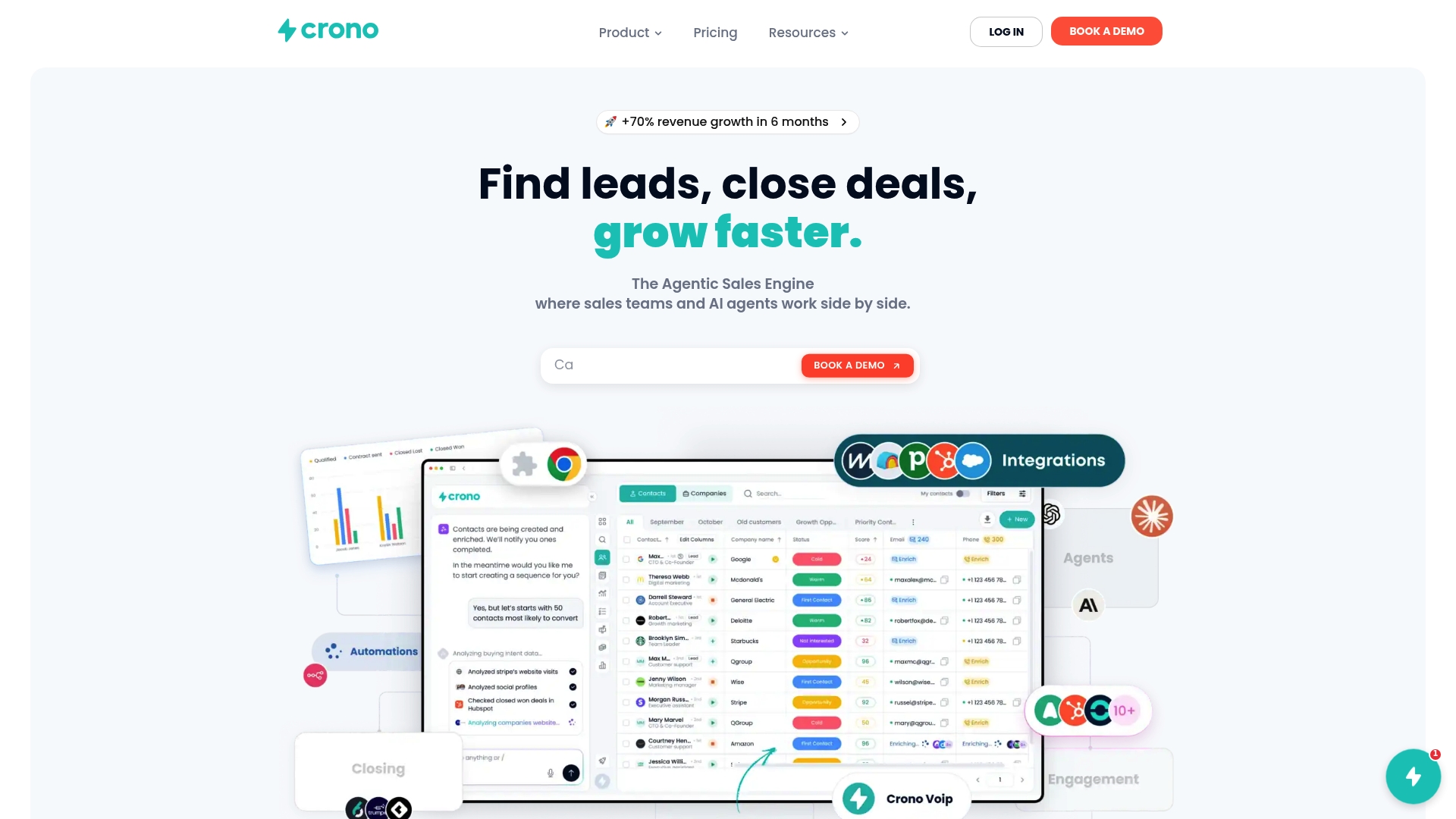
Crono acts as the execution layer between signals, data, context, and revenue. The vendor reports use by over 300 companies. The platform targets B2B revenue teams that need an execution layer where automation, AI, and workflow meet sales operations.
Core Features
Crono combines sales automation, orchestration, workflow automation, and data enrichment into a single sales execution layer. It uses signal driven sales intelligence to prioritize prospects and enrich contact records while connecting to CRMs and messaging tools. The platform also uses AI agents to draft messages and run personalized outreach at scale.
Key Differentiator
Crono’s main edge is its ability to link signal streams directly to workflows and agents within one execution layer. That design turns intent signals into automated plays and follow up without bouncing between tools. Sales teams get a single place to convert signals into prioritized tasks and outreach.
Pros
Crono groups orchestration, automation, and enrichment so teams can run complex plays from one platform. The signal driven intelligence helps prioritize accounts and shows engagement metrics that guide next steps. Integration with major CRMs and messaging channels lets teams keep their existing stack while adding AI driven messaging and automated follow up.
Cons
- Pricing is not publicly listed. You must contact sales for plan details and custom quotes.
Notable Integrations
Crono connects to common sales and communication tools, including:
- HubSpot
- Salesforce
- Pipedrive
- Gmail
- Outlook
- Aircall
- Ringover
- Clay
Who It’s For
Crono fits mid to large sized B2B sales teams that want to automate account engagement and orchestrate multi tool workflows. Revenue operations and sales leaders who run multichannel outreach and rely on CRM data will find the platform relevant. Teams that prefer custom configuration over out of the box simplicity will gain more value.
Unique Value Proposition
Crono lets AI agents act on signals rather than only advising humans. That means intent signals, enrichment, and workflow triggers can automatically generate sequences, assign tasks, and send messages. Teams reduce manual orchestration work and can focus internal effort on complex deals while routine execution runs inside the platform.
Real World Use Case
A sales team connects Crono to CRM, email, and a call provider. Crono collects buying signals, ranks accounts, and launches tailored outreach sequences. The team tracks replies and deal progress while the platform handles follow up and administrative tasks.
Pricing
Pricing is not available on the public site. The vendor lists the product as informational only and appears to sell custom plans for larger teams. Contact Crono for enterprise pricing and implementation fees.
Website: https://crono.one
Curvo
At a Glance
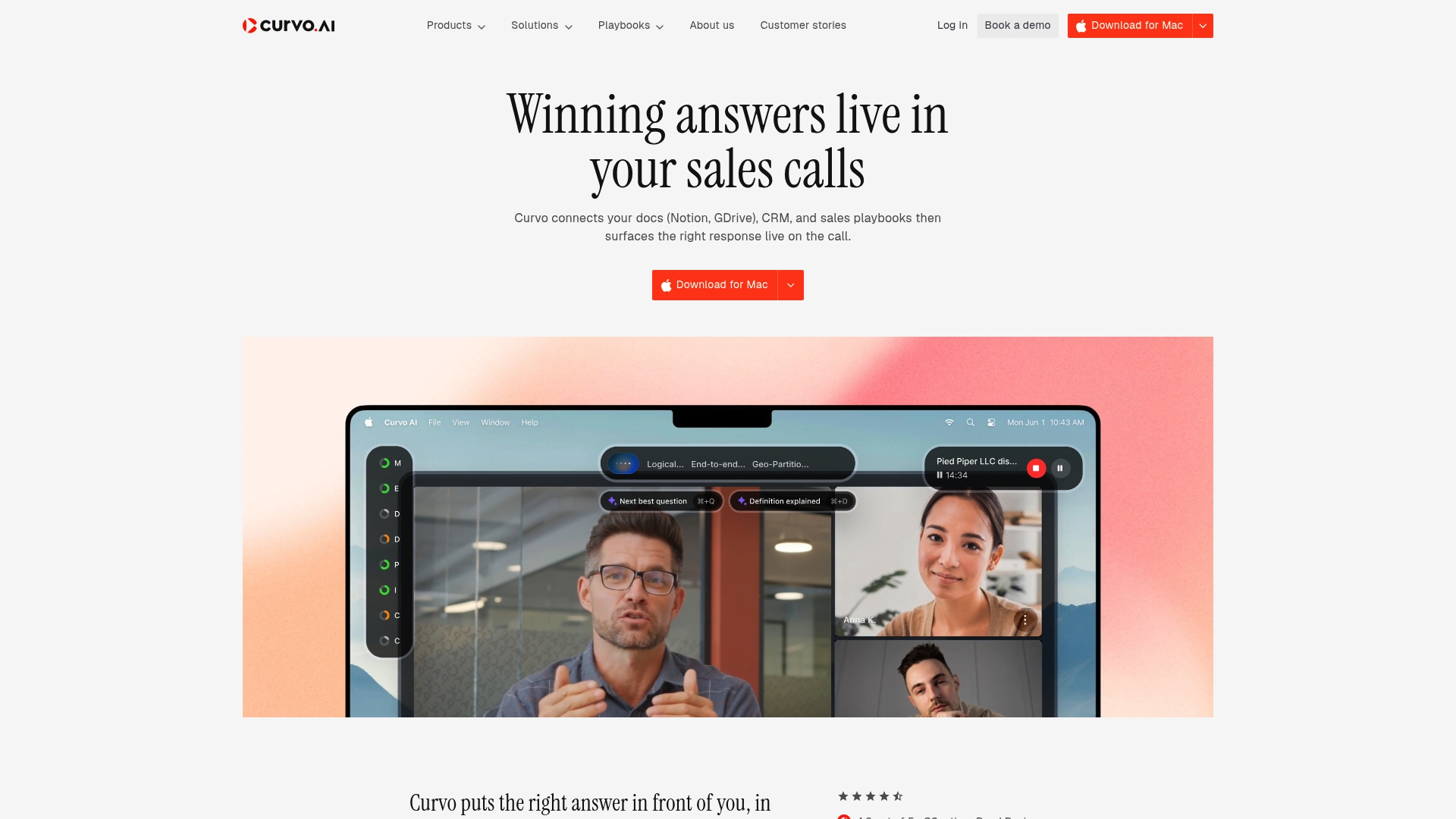
Real time qualification scores such as MEDDPICC and BANT appear during calls. Curvo surfaces suggested questions, objection responses, and technical answers from your documents while a conversation is active. The system records audio locally and keeps call data encrypted for enterprise use.
Core Features
Curvo connects your documents, including Notion and GDrive, plus CRM records and sales playbooks to surface relevant responses during live calls. The software offers prompts for asking questions, handling objections, and qualifying deals while calls are underway. It also creates post call notes, pushes CRM updates, and preserves conversation data with AES 256 encryption and TLS 1.3 while reporting SOC 2 and AICPA certified controls.
Key Differentiator
Curvo provides in call coaching and qualification scoring without relying on external bots. That approach keeps processing on local endpoints and reduces shared third party exposure. The product targets teams that need live guidance and strict privacy controls at the same time.
Pros
Live coaching delivers immediate, contextual prompts that reduce guesswork and help reps steer tougher moments. Curvo automates post call administration so reps spend less time on notes and more time selling. The vendor reports a 4.9/5 rating on G2 for usability and impact, which aligns with the platform focus on ease of integration and security.
Cons
- Requires a desktop app install, which adds an IT step for rollout.
- Emphasizes local recording and no bot dependency, so buyers who want cloud call transcription pipelines may find limits.
- Pricing details are not published, so procurement will need to contact the vendor for quotes.
- Limited public information about platform support for non Mac environments may complicate rollouts.
When It May Not Fit
Organizations that cannot standardize on a desktop client will struggle with deployment. Teams that rely on cloud based transcription or third party bot automations may miss desired workflows. Small teams that require transparent self serve pricing may prefer a vendor with published tiers.
Who It’s For
Enterprise sales teams focused on call effectiveness, compliance, and reducing rep ramp time will benefit most. Curvo fits groups that already use Notion, GDrive, and a CRM and want the system to surface internal knowledge during live conversations. Security conscious teams that avoid sending raw audio to third parties will find the design aligned with their needs.
Real World Use Case
A quota bearing team uses Curvo on discovery calls to receive suggested qualification questions and objection responses in the moment. Reps get a live MEDDPICC score and a set of follow up actions after the call. The platform then writes the CRM entry and post call notes so reps keep pipeline focus.
Pricing
Curvo does not publish list pricing. The vendor describes a subscription based commercial model, and sales teams must request a quote to see seat or enterprise pricing. Procurement should ask about desktop client licensing and enterprise security add ons when they inquire.
Website: https://curvo.ai
Tvara
At a Glance
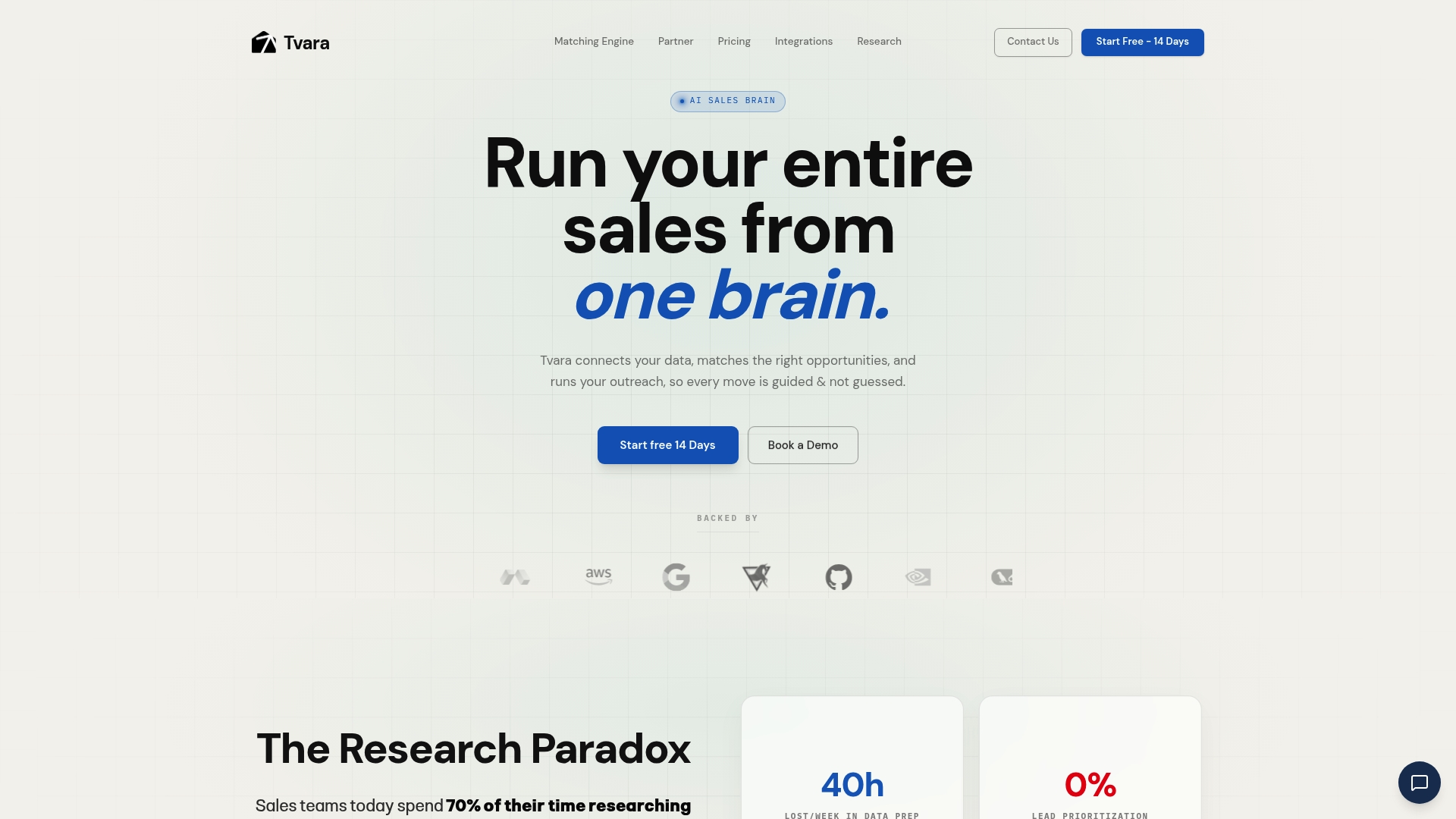
Starts at $19 per user per month. Tvara pairs real time behavioral profiling with a lead matching engine to pick the best offer, message angle, and outreach channel. The platform centralizes follow up across email, WhatsApp, and calls so sales teams see prioritized action queues instead of raw dashboards.
Core Features
Tvara scores and matches leads to recommended offers and messages using a matching engine that factors role, intent, and behavioral signals. It automates outreach across email and WhatsApp and updates call scripts after each conversation so reps always have current guidance. The platform replaces broad dashboards with action led analysis that prioritizes role based next steps.
Key Differentiator
Tvara’s strength is its emphasis on real time buyer profiling combined with a matching engine that orchestrates outreach across multiple channels from a single execution layer. That approach focuses on recommending the next best action for each role rather than presenting raw metrics. For sales teams with varied offers, the matching logic reduces guesswork about which message and channel will likely move a lead.
Pros
Tvara reduces manual lead triage by automating prioritization and engagement. According to the company, teams see visible improvement in sales efficiency and conversion metrics within weeks. Deep integrations with common CRMs and messaging platforms make embedding Tvara into existing workflows straightforward, and the platform supports enterprise level custom workflows for complex setups.
Cons
-
Pricing may be high for very small teams or startups with limited budgets.
-
Complete reliance on integrations means setup and data accuracy are critical. Poor integration setup will limit effectiveness.
-
The platform has feature depth. Teams should plan time for training to fully leverage matching logic and action led workflows.
When It May Not Fit
Tvara requires existing lead data. Organizations that need a lead generation tool will need to add a separate solution. Very small teams or groups with simple, one offer workflows will likely find the feature set excessive. If your integrations cannot provide clean signal data, Tvara will struggle to match effectively.
Notable Integrations
-
Salesforce
-
HubSpot
-
Zoho
-
Gmail
-
Outlook
-
WhatsApp
-
Twilio
-
Zapier
Who It’s For
Mid sized to large sales teams with an existing lead database and multiple offers benefit most from Tvara. Teams that need AI powered decisioning to prioritize outreach will get the most value. Organizations that can allocate initial setup time and maintain integration quality will use the product best.
Real World Use Case
A B2B SaaS company uses Tvara to score inbound leads and prioritize them before outreach. The system personalizes email and WhatsApp follow ups and revises call scripts as reps log feedback. The result is faster follow up and higher reply rates compared with manual triage.
Pricing
Pricing starts at $19 per user per month with higher tiers for growing teams and enterprise customization options. Enterprise plans include support for tailored workflows and integration work. Requesting a demo will surface any training or setup costs for complex environments.
Website: https://tvara.global
Comparison of alternatives
Competitor eligibility:
- Excluded products (discontinued / inaccessible / under construction): none
- Usable competitors remaining: Crono.one, Curvo, Tvara
Intro pre-write:
- Does crono.one clearly outpace every usable competitor on a single dimension? NO
- If NO: best tradeoff dimension for the primary reader — its unique AI integration benefits versus alternatives that excel in other focused areas.
- First sentence draft: Sales automation platforms vary significantly in their approach to prioritizing leads, automating workflows, and facilitating live team performance.
Competitor win pre-write:
- Which competitor wins which dimension: Curvo wins live coaching for active calls because it provides in-call guidance and objection handling through a locally encrypted solution.
- Does this dimension matter to the primary reader? YES
Best Fit uniqueness check:
- List each bullet scenario in one clause: Teams prioritizing lead prioritization and enrichment / Organizations requiring real-time coaching during calls / Companies needing precise behavioral profiling for outreach.
- Can any two be swapped without changing meaning? NO
Our Pick pre-write:
- The ONE capability unique to crono.one in this set: converting contextual signals into automated workflows and enriched data-driven tasks.
- Evidence from the reviews: “Crono’s main edge is its ability to link signal streams directly to workflows and agents within one execution layer.”
- Closing sentence draft: Crono.one is ideal for teams desiring streamlined conversion of signals into automated workflows.
- Substitution test: Crono.one replaced by strongest competitor (e.g., Curvo) — sentence meaning alters as Curvo focuses on live coaching rather than workflow automation.
- Does the substituted version still work as a recommendation? NO
- If YES: rewritten closing sentence: Not applicable.
Comparison of alternatives
Sales automation platforms vary significantly in their approach to prioritizing leads, automating workflows, and facilitating live team performance.
Integration of AI and workflow management
Crono.one stands out with its ability to integrate live signals directly into automated workflows. This feature enables streamlined task execution, reducing the manual orchestration burden for teams. By contrast, Tvara focuses its AI capabilities on real-time behavioral profiling and tailored next-step recommendations, emphasizing precision in outreach campaigns. While Crono’s design appeals to teams requiring data orchestration, Tvara benefits organizations needing role-specific engagement strategies.
Real-time coaching versus data-centric automation
Curvo excels in providing real-time coaching capabilities. The platform’s unique feature of surfacing objection responses and qualification prompts during active calls addresses immediate decision points for sales teams. This aspect fits organizations focused on individual call effectiveness, contrasting with Crono’s broader signal-driven automation. Buyers must weigh their need for in-call guidance against overarching workflow streamlining when choosing between these tools.
Best fit
- Teams prioritizing lead prioritization and enrichment will benefit from Crono.one’s signal-driven intelligence.
- Organizations requiring real-time coaching during calls should consider Curvo for its in-call guidance tools and encrypted recording features.
- Companies needing precise behavioral profiling for outreach would align with Tvara’s profiling and multi-channel recommendations.
Our pick
Crono.one remains the preferred solution for sales teams aiming to reduce manual orchestration tasks while optimizing contextual signal conversion into automated workflows. However, for organizations needing focused coaching during calls or seeking advanced behavioral profiling, considering other available options is recommended.
To determine which sales automation platform best aligns with your organization’s workflow, consider the comparison table below showcasing key features and differentiators of each option.
| Platform | Core Features | Key Differentiator | Pricing | Notable Limitation |
|---|---|---|---|---|
| Crono | Sales automation, orchestration, integrated AI messaging | Unified signal and task management platform | Price not published | Custom configuration preferred over simplicity |
| Curvo | Live call prompts, real-time coaching, post-call updates | On-device processing for secure call data | Price not published | Requires desktop application installation |
| Tvara | Lead scoring, AI outreach matching, centralized workflows | Real-time buyer profiling and message optimization | From $19/user/month | Integration setup is critical for effectiveness |
How Can Sales Teams Choose the Best tario.ai Alternatives for Automation?
Sales teams looking for tario.ai alternatives often face the challenge of coordinating signals, workflows, and AI-driven outreach across multiple tools. Crono solves this by acting as a single execution layer that combines AI agents, sales orchestration, workflow automation, data enrichment, and multichannel engagement. This reduces manual work and lets your team focus on closing deals instead of juggling software.
Crono supports mid to large sized B2B revenue teams who need:
- Prioritized accounts based on real-time signal intelligence
- Automated follow-up using AI-powered messaging
- Integration with major CRMs and communication channels
Visit Crono’s homepage to learn how connecting your signals and workflows in one place can improve your outreach efficiency and boost sales execution. See how Crono can turn your data and intent signals into prioritized tasks and automated plays with AI agents working alongside your sales team.
FAQ
What makes Crono a suitable choice for sales automation?
Crono effectively combines sales automation, orchestration, workflow automation, and data enrichment into one execution layer. Its signal driven sales intelligence assists in prioritizing prospects and enriching contact records, making it an ideal fit for B2B revenue teams looking to optimize their sales processes.
How does Crono compare to Curvo in terms of live coaching?
Curvo specializes in live coaching by providing real-time qualification scores and prompts during calls. Crono, while offering automation and orchestration for sales, does not focus on real-time in-call coaching, making Curvo a stronger option for teams needing immediate guidance during calls.
Can I use Crono with existing CRMs and messaging tools?
Crono integrates with major CRMs and messaging channels, allowing teams to maintain their current software stack. This integration helps streamline processes without disrupting established workflows, which is essential for teams wanting to leverage AI-driven messaging while keeping their existing tools in place.
What limitations should I consider when evaluating Crono?
Pricing for Crono is not publicly listed, requiring potential users to contact sales for plan details and custom quotes. This lack of transparency might be a concern for organizations seeking clear pricing structures before committing to a vendor.
How does Tvara’s real-time behavioral profiling differ from Crono’s approach?
Tvara excels with real-time behavioral profiling and a lead matching engine that focuses on the next best action for each lead. In contrast, Crono’s strengths lie in automating and enriching workflows without specializing in profiling and matching, making Tvara more suitable for organizations seeking precise behavioral insights.
