
Finding sales automation tools that actually increase qualified meetings without requiring heavy manual research or setup is difficult.
Too many platforms gate key campaign features behind hidden pricing, require a sales call, or demand technical resources just to get started.
You can compare credit pricing, CRM integration, and onboarding speed to pick a sales automation platform that fits your team’s workflow and outbound volume.
Table of Contents
Crono
At a Glance
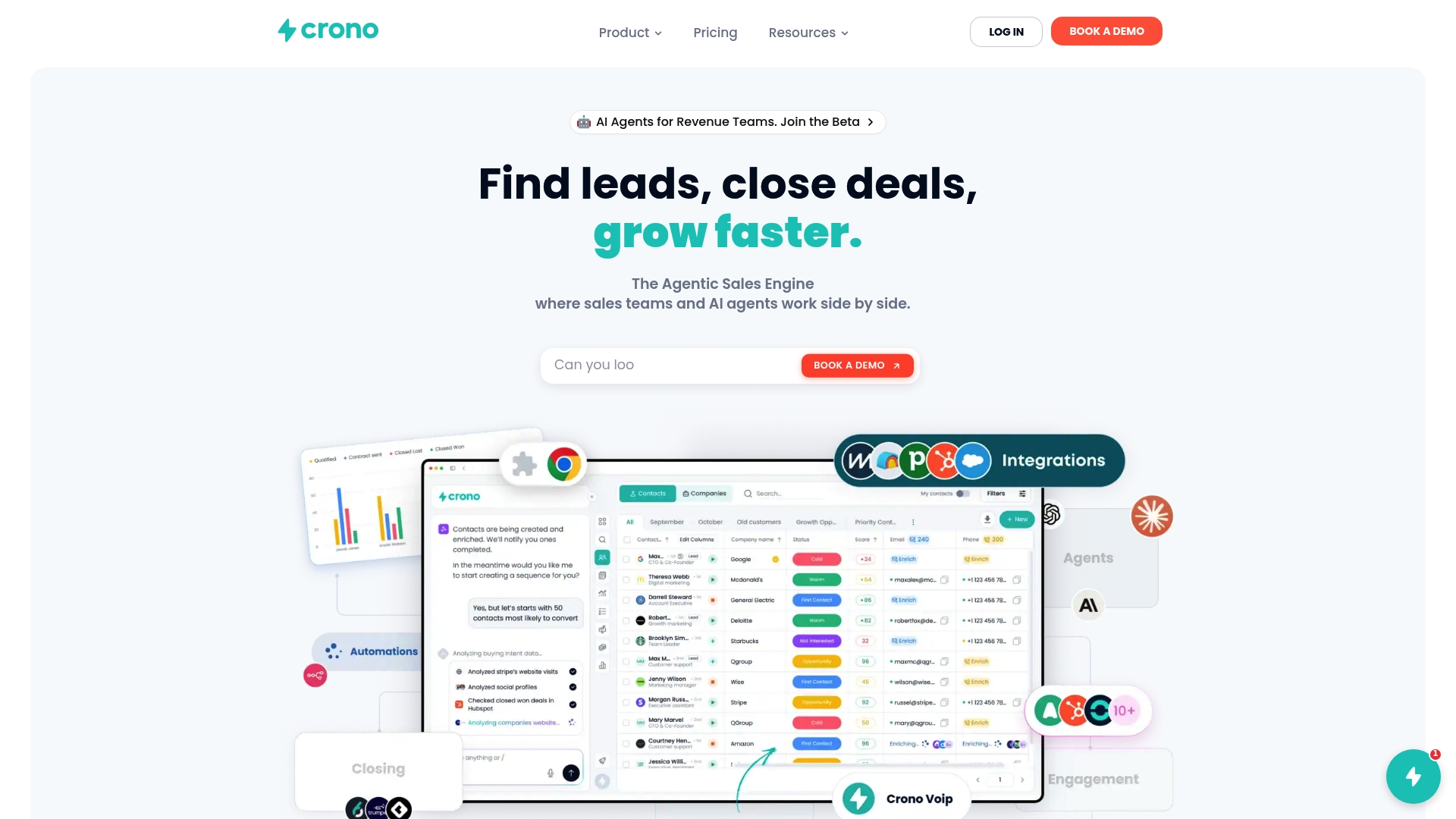
According to the vendor, a B2B customer increased qualified meetings by over 800 after deploying Crono. Crono functions as an Agentic Sales Engine, combining AI agents, sales orchestration, workflow automation, data enrichment, and multichannel engagement. The vendor reports Crono is used by over 300 market-leading companies.
Core Features
Unified sales orchestration platform that ties signals, workflows, and AI agents into one execution layer. This reduces context switching for reps.
Multi-channel outreach automation for email, calls, and DMs. Teams can sequence steps across channels from a single interface.
AI-driven lead enrichment and personalization to auto-fill contact data and tailor messaging at scale.
Real-time CRM integration and analytics with live sync to HubSpot, Salesforce, or Pipedrive.
Tools to create and deploy AI agents for signal detection, re-engagement, and qualification.
Key Differentiator
Crono’s core advantage is its signal-first approach that combines AI signals with multi-channel execution. The platform prioritizes accounts using engagement signals and external data. Sales teams get ranked opportunities and automated outreach from the same orchestration layer. That reduces manual triage and shortens the path from lead to meeting.
Pros
Helps automate manual sales tasks so reps spend more time closing deals. Automation covers sequence scheduling, follow-ups, and re-engagement.
Deep integration with popular CRMs and sales tools. Live sync with HubSpot, Salesforce, and Pipedrive keeps pipelines accurate.
AI-driven personalization and messaging increase reply rates by tailoring templates to signals and account context.
Signal-driven insights help prioritize high-potential accounts. The platform highlights accounts with recent intent or engagement signals.
Scalable for different team sizes and customizable for enterprise needs. Pricing tiers and custom enterprise plans support growth.
Cons
- May not be ideal for organizations with very straightforward, manual sales processes or low outbound volume; smaller teams may not use the platform’s full feature set.
Notable Integrations
- HubSpot
- Salesforce
- Pipedrive
- Gmail
- Outlook
- Aircall
- Ringover
- Clay
Who It’s For
Mid-sized to large sales and revenue teams that run active outbound programs and need AI to surface signals and automate execution. Revenue operations teams that must keep CRM data fresh and align orchestration with account signals will see the most benefit. Small teams with light outbound may find the feature set larger than necessary.
Unique Value Proposition
Create and deploy AI agents for signal detection, re-engagement, and qualification from within the same platform. That capability turns signal streams into repeatable execution without separate tooling. The practical result is fewer manual checks, faster account qualification, and a more connected workflow between intelligence and outreach.
Real World Use Case
A B2B SaaS buyer that reported the figure above used Crono to run multi-channel sequences against prioritized accounts. That buyer saw a clear lift in outbound engagement, which translated into faster pipeline velocity and more meetings entering the sales funnel.
Pricing
Pro: €79/user/month, billed annually, for teams with at least 2 users. Ultra: €119/user/month, billed annually, for teams with at least 5 users. Enterprise: custom pricing for large organizations and bespoke deployments.
Website: https://crono.one
Salestools
At a Glance
The vendor advertises being trusted by 10,000+ companies. Salestools centers its offering on AI powered sales agents that research targets, run outreach, and book meetings automatically. That combination aims to shift work from reps to automated sequences while keeping personalization in each message.
Core Features
Salestools includes AI Sales Agents that handle prospecting, outreach, and follow up using company and contact data. The platform delivers deep prospect research, real time visitor and intent signals, and multichannel outreach across email, LinkedIn, and phone. It also automates reply handling and calendar booking so teams spend less time on manual scheduling. Integrations connect that workflow into existing CRMs and tools.
Key Differentiator
Salestools focuses on AI agents that perform full prospect research and then run the engagement workflow end to end. That lets teams push large outreach programs without writing every message manually. The platform targets enterprise scale use cases where research accuracy and automated reply handling matter to conversion rates.
Pros
Significantly increases meetings booked and pipeline growth according to the vendor, which many teams report as measurable uplift. This addresses the top KPI for outreach teams.
Automates prospect research and engagement, saving time and reducing repetitive work. The research layer pulls company and contact signals before outreach.
Personalizes outreach at scale by combining research with template variants and dynamic fields. That approach raises relevance while keeping volume high.
Integrates with popular CRMs and stacks, so data and sequences map back into existing pipelines. That reduces duplicate work for operations teams.
Backed by enterprise clients such as Tata, MetLife, and Accenture, which suggests the platform supports complex deployments and governance.
Cons
Trust in AI responses requires safeguards. Teams must add review steps to avoid hallucinations or off brand replies.
The feature set can feel complex for smaller teams that lack technical setup resources. Initial configuration may require a dedicated admin.
Pricing is credit based and varies by user count, which can become costly for low volume or budget constrained teams.
When It May Not Fit
If your team is a small sales group without an admin or operations resource, the setup complexity will slow adoption. If you run low volume outreach, the credit pricing model may not provide clear ROI. Also avoid this platform when you need simple, single channel email sequences rather than full research driven automation.
Notable Integrations
- HubSpot, Salesforce, Marketo, Pipedrive, Insightly, Slack, Zapier, Gmail/Outlook
Who It’s For
This product fits mid to large sales teams that need AI driven prospecting and want to scale multichannel outreach. It suits organizations that already use a CRM and need automation tied to visitor intent. It is less suited for single rep teams or early stage startups with limited technical resources.
Real World Use Case
A mid market sales team assigns Salestools agents to a target account list. The agents enrich contacts, detect buyer intent from site visits, send personalized outreach on email and LinkedIn, handle replies, and book meetings. The reps then focus on qualifying and closing the meetings the agents produce.
Pricing
See detailed plans on their website. Pricing starts with free tiers and scales to enterprise solutions that use credits and feature gates. The vendor states that costs vary by credit usage and user count, so plan based on projected outreach volume.
Website: https://salestools.io
SalesTrigger
At a Glance
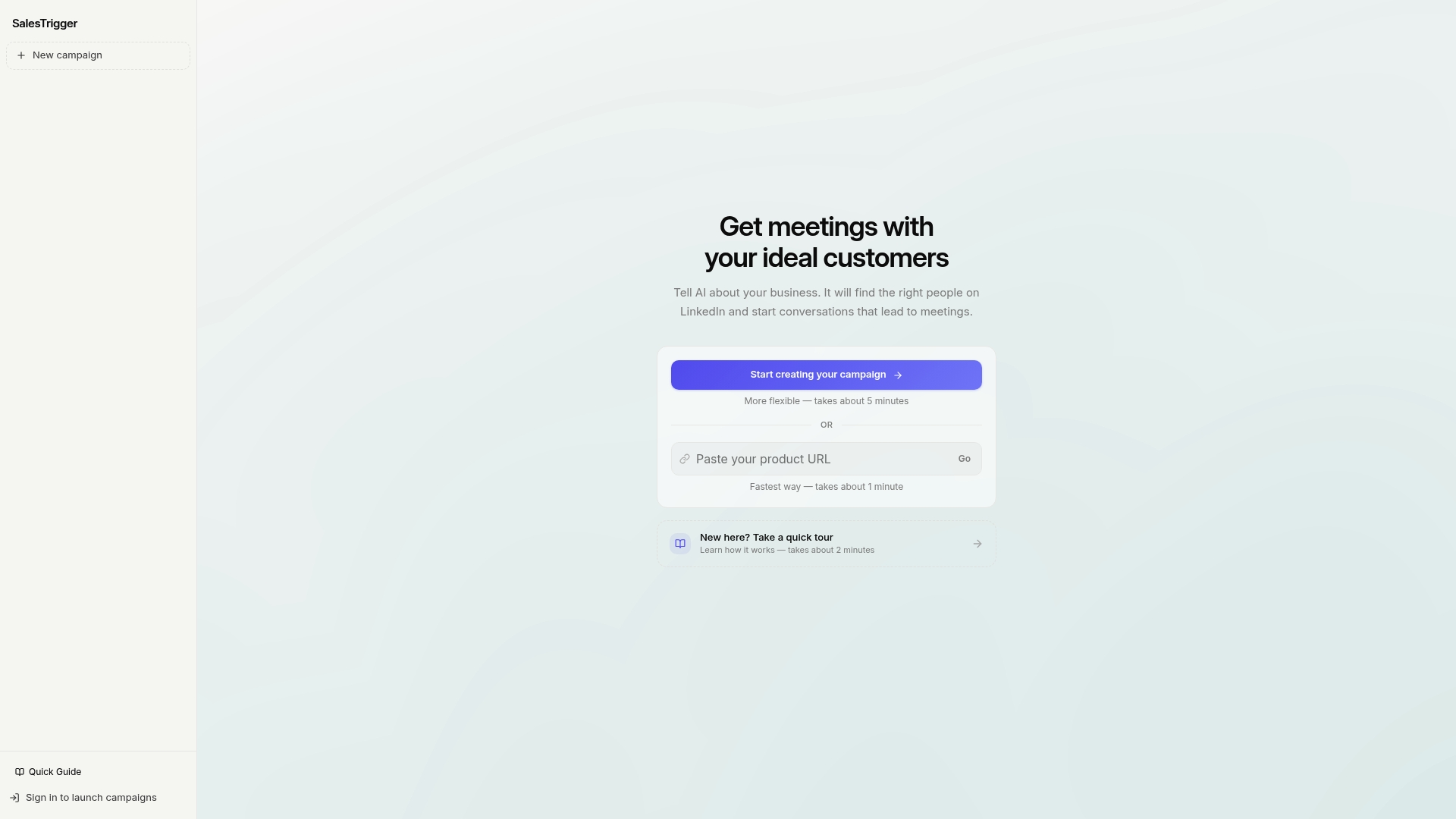
SalesTrigger’s marketing materials claim a one minute quick campaign setup for the fastest option. The product focuses on using AI to find prospects on LinkedIn and start outreach that turns into meetings. Guided onboarding and tour flows aim to get teams running in five minutes for a more flexible setup. The emphasis is on reducing manual prospecting time for B2B sales teams.
Core Features
- AI driven prospect identification on LinkedIn: Finds likely targets using signals from public LinkedIn data.
- Automated outreach conversations: Starts and follows up on messages to move prospects toward meetings.
- Quick campaign setup (1 to 5 minutes): Offers a very fast path for simple campaigns and a slightly longer path for customization.
- Guided onboarding and tours to shorten ramp time for new users.
Key Differentiator
The company advertises the fastest campaign setup time among similar tools, with a one minute quick path for basic outreach. That claim highlights a focus on speed over deep configuration. This makes SalesTrigger a fit when speed and LinkedIn centric outreach matter more than detailed analytics or wide CRM wiring.
Pros
Fast execution. Campaigns can be created in about one to five minutes, which helps teams launch tests quickly and iterate.
LinkedIn focused sourcing. The prospecting logic pulls from LinkedIn profiles, which cuts the manual list building that often slows outreach.
Automated conversation flow. The tool handles initial messages and follow ups so reps spend less time on repetitive outreach.
Onboarding support. Guided tours and quick start options reduce setup friction for teams new to outreach automation.
Cons
Sparse product detail. Public documentation and on site copy are repetitive and leave key features unclear.
Limited visibility into customization. The site does not explain message sequencing, A B testing, or advanced targeting in detail.
Unclear integrations. The vendor does not publish which CRMs or sales tools it connects to, so syncing data may require extra work.
Who It’s For
SalesTrigger targets B2B sales and marketing teams that rely on LinkedIn to generate meetings. It suits teams that need to launch outreach fast and prefer a low friction onboarding experience. It is less suited to teams that need deep campaign reporting or complex CRM automation.
Real World Use Case
A SaaS sales team uses SalesTrigger to identify and reach decision makers on LinkedIn. The team creates a quick campaign, lets automated messages run, and books initial demo meetings without large manual research efforts. That workflow reduces hours spent on list building each week.
Pricing
The vendor lists pricing information as not applicable on the public site and presents the product as informational only. Contacting SalesTrigger is required to get plan details, seat counts, or enterprise options. Expect to request a demo or pricing conversation to learn costs.
Website: https://salestrigger.io
TargetGrid
At a Glance
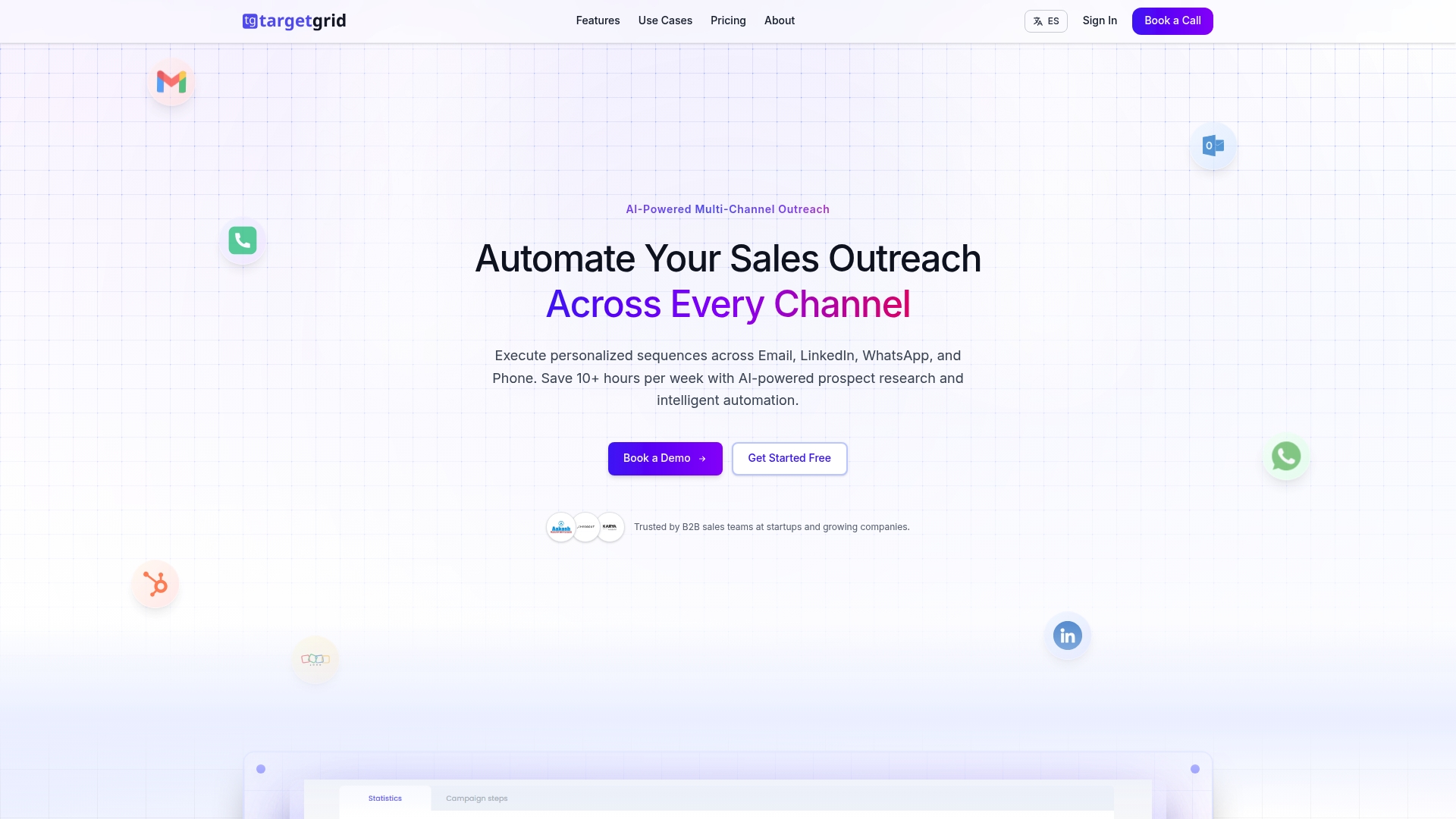
The vendor advertises a 3x reply rate increase for multi channel outreach. TargetGrid pairs AI powered prospect research with automated outreach across email, LinkedIn, WhatsApp, and calls. The platform targets startups and growing sales teams that need richer prospect context and timed follow ups to lift engagement.
Core Features
TargetGrid provides a Visual workflow builder for sequencing touch points across channels. The builder supports conditional branching and timed follow ups to keep cadences coordinated.
It offers AI powered prospect research and buyer persona generation to surface account signals and talking points. The product also tracks campaign performance with real-time analytics and detailed activity logs.
Native connections include Gmail, Outlook, LinkedIn, WhatsApp, and major CRMs so teams can send messages, log activity, and measure outcomes from one place.
Key Differentiator
TargetGrid mixes AI prospect enrichment with multi channel orchestration. That combination lets teams write fewer messages and target higher value accounts with tailored sequences. The emphasis on research driven personalization separates it from simpler sequence builders focused only on timing.
Pros
The vendor advertises a higher reply rate, and that claim points to measurable gains when personalization is used. This suggests TargetGrid focuses on relevance over volume.
The Visual workflow builder keeps complex cadences readable, which reduces manual sequencing work for operations teams.
Built in prospect research automates persona building and message cues, saving SDRs time on qualification and outreach prep.
Direct connections to Gmail, Outlook, LinkedIn, WhatsApp, and CRMs let teams keep activity in their existing systems while running multi channel campaigns.
Automated follow ups and smart timing reduce manual nudges and increase the likelihood of reengaging dormant contacts.
Cons
Pricing is not published; teams must contact sales for costs. That adds friction for buyers doing a quick price comparison.
The platform includes complex automation features that may require formal onboarding or training for operations or SDR teams.
Documentation on deep customization for advanced workflows appears limited, which could frustrate power users who need bespoke logic.
When It May Not Fit
TargetGrid may not suit very small teams that need a low touch, inexpensive tool. It may also frustrate teams without a resources person to set up and maintain advanced sequences. Buyers that require clear public pricing or highly modular workflow APIs should look elsewhere.
Notable Integrations
- Gmail
- Outlook
- HubSpot CRM
- Zoho CRM
- Salesforce
These integrations support message sending, activity logging, and CRM sync for campaign metrics.
Who It’s For
TargetGrid fits sales and marketing teams at startups and scale ups that run outbound programs across several channels. It works best for teams that can invest in setup and want richer prospect context to improve reply rates.
Real World Use Case
A sales team uses TargetGrid to run account based outreach for a product launch. The system pulls persona notes, sequences email, LinkedIn, and WhatsApp touches, and logs responses back to the CRM. The team spends less time researching and more time qualifying replies.
Pricing
Pricing requires contacting TargetGrid sales for a quote. The vendor states pricing is custom based on team size and feature needs. Prospective buyers should request a demo and cost estimate during evaluation.
Website: https://targetgrid.ai
Comparison of alternatives
Selecting the most fitting AI-powered sales automation tool involves assessing both specific features and practical applications across varied operational scenarios. Here’s an in-depth comparison to aid your decision-making process.
Feature Depth and Implementation Time
SalesTrigger excels with expedited onboarding and immediate campaign setups, as evidenced by its promise of a one-minute quick setup. This is ideal for teams that prioritize speed and simplicity. Contrastingly, Crono emphasizes deep integration with CRM platforms and multichannel orchestration, making it strong for operations but requiring longer setup periods.
Customization and Audience Targeting
TargetGrid sets itself apart with its visual workflow builder for sequencing multichannel touchpoints. This unique tool increases ease-of-use for complex sequences while encouraging tailored audience engagement via AI-driven persona development. Comparatively, Salestools focuses on automating prospect research and lead handling, ensuring scalability in outreach programs for growing sales teams. Both solutions emphasize addressing specific operational needs.
Best fit
- TargetGrid: For sales operations requiring advanced multichannel sequencing with rich visualization and persona-driven outreach strategies.
- SalesTrigger: For teams emphasizing streamlined LinkedIn outreach and rapid deployment with minimal setup complexity.
- Salestools: For enterprises necessitating automation combining intent detection with large-scale outreach efficiency.
Our pick
Crono emerges as the most versatile option, blending AI-driven functionality with multichannel automation and CRM integration. This makes Crono suitable for medium to large teams identifying key sales signals translated directly into engagement workflows, reducing setup complexities and optimizing sales cycles. If speed of campaign setup or exclusive reliance on LinkedIn is a priority, other options might better suit your use case.
Selecting an effective sales automation tool entails comparing the core features, pricing, and suitability among leading alternatives to choose the best match for your organization’s requirements.
| Product | Core Feature or Use Case | Key Differentiator | Pricing | Notable Limitation |
|---|---|---|---|---|
| Crono | Unified sales orchestration platform tying workflows and AI | Signal-first approach integrating orchestration | €79–€119/user/month, billed annually | May exceed needs of smaller teams with light outbound usage |
| Salestools | Automated sales agents for outreach and meeting booking | End-to-end workflow from AI-driven agents | Credit-based, contact sales | Pricing varies per user and credits, may become costly |
| SalesTrigger | LinkedIn-centric AI for fast campaign setup | One-minute quick campaign setup | Pricing not disclosed | Limited integration visibility impacts data synchronization |
| TargetGrid | Multi-channel outreach with prospect research | Visual workflow builder for tailored sequencing | Custom pricing, contact sales | Limited documentation on advanced workflow customization |
Explore Powerful salestarget.ai Alternatives with Crono
The article highlights key challenges sales teams face with AI-powered prospect research, multichannel outreach, and automated execution—the very areas where many salestarget.ai alternatives aim to deliver value. If your team is seeking to reduce manual prospecting, increase meeting bookings, and align outreach with real-time engagement signals, Crono offers a comprehensive solution. Crono acts as an Agentic Sales Engine by combining AI agents, workflow automation, data enrichment, and multichannel orchestration into a single platform designed for modern B2B revenue teams.
Key advantages of Crono include:
- Signal-driven account prioritization to focus on high-potential opportunities
- Live CRM integrations with HubSpot, Salesforce, and Pipedrive for accurate data sync
- AI-powered personalization that improves reply rates without manual effort
Discover how Crono can help your team automate execution and boost pipeline velocity. Visit The Prospecting Masterclass – Crono for practical strategies and start optimizing your outreach today.
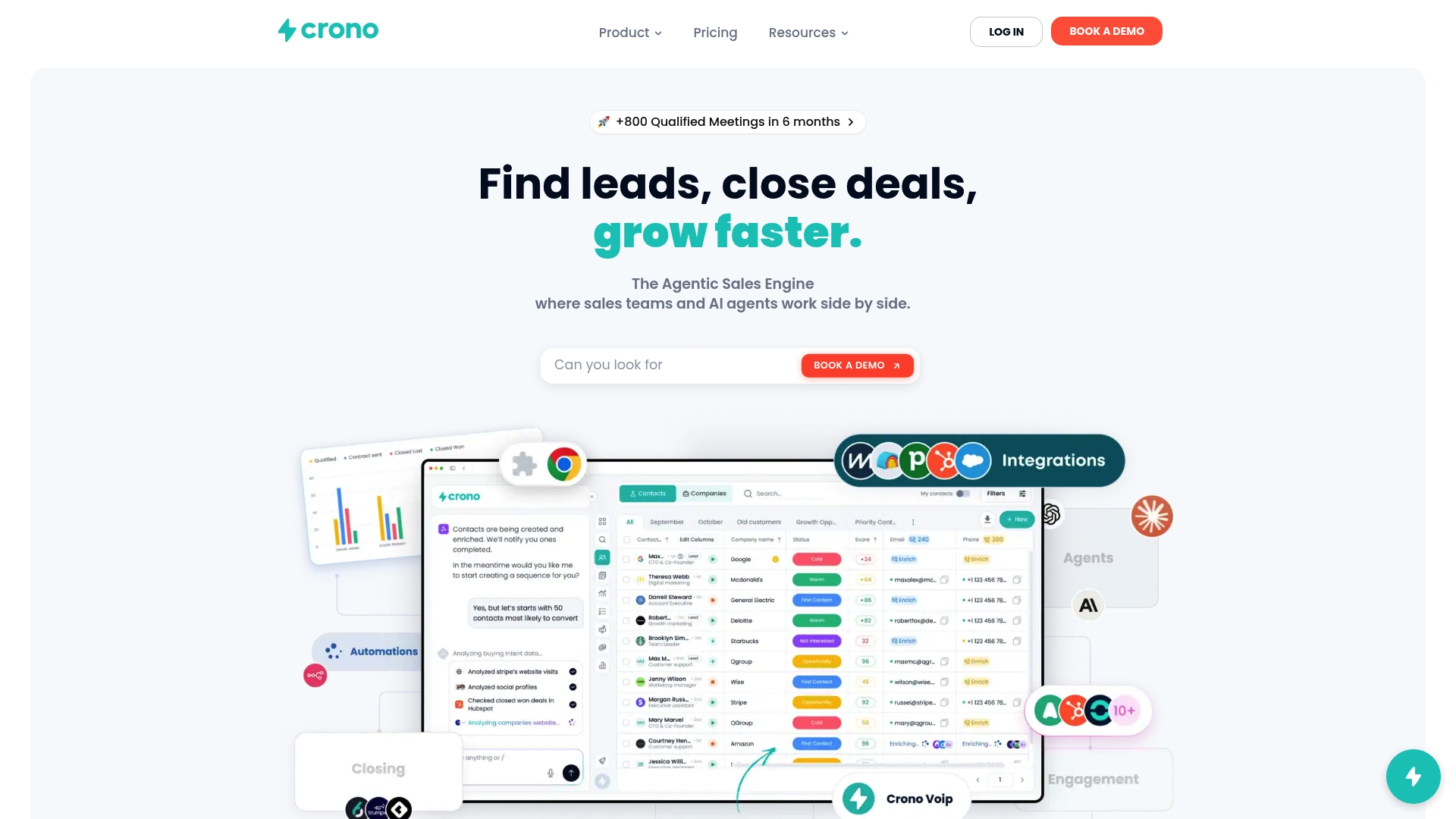
Unlock smarter sales prospecting by starting with Crono at https://www.crono.one/. Book a 20-minute strategy call and leave with a customized playbook to prioritize accounts and automate personalized outreach.
FAQ
How does Crono automate sales tasks for teams?
Crono automates manual sales tasks by streamlining sequence scheduling, follow-ups, and re-engagement mechanisms. Its unified sales orchestration platform reduces context switching for sales representatives, allowing them to focus more on closing deals. Businesses looking to enhance efficiency should explore Crono’s automation capabilities to transform their sales processes.
What is the difference between Crono and Salestools regarding automation?
Salestools excels in offering AI Sales Agents that conduct full prospect research and execute automated outreach end to end. Crono also provides multi-channel outreach and automation but stands out with its signal-driven insights and prioritization of high-potential leads. Consider Crono if your primary focus is on deeper integration with existing CRMs like HubSpot or Salesforce.
Which platform offers real-time CRM integration?
Crono features real-time CRM integration with live synchronization to platforms like HubSpot, Salesforce, and Pipedrive. This capability keeps sales pipelines accurate and helps teams manage their data effectively in real time. Evaluating this feature is essential if maintaining up-to-date CRM information is a priority for your sales team.
Can I use Crono if my team is small and requires simple processes?
Crono may not be ideal for very small teams or those with straightforward manual sales processes, as its feature set could exceed their current needs. Businesses with limited outbound volume should consider whether Crono’s automation features align with their sales strategy before committing to the platform.
How does Crono’s signal-first approach benefit sales teams?
Crono’s signal-first approach combines engagement signals with automated outreach, prioritizing accounts based on real-time data. This allows sales teams to focus on high-value leads and reduces the need for manual triage. Teams looking to enhance their account qualification processes would find significant value in leveraging Crono’s capabilities.
Not sure where to start?
Start with the Playbook.
Download our free Sales Playbook 2026 and learn how top B2B teams structure their outbound process.
 BANT, SPICED & MEDDPICC frameworks
- 30+ ready-to-use sales templates
- 2026 outbound & pipeline benchmarks
Don't sell the product. Sell the change the product makes possible.
Build the process before the pipeline.
