
Outreach automation software with AI covers a wide range: single-channel email tools, full multichannel platforms, and autonomous SDR agents that source and sequence without a rep involved.
Most teams running outbound today are doing it across LinkedIn, email, and calls simultaneously, and their CRM is only capturing a fraction of those conversations. A prospect replies to a LinkedIn message but the reply never reaches the CRM. A week later, another rep emails the same account with no idea a conversation is already open. Enrichment sits in one tool, outreach in another, LinkedIn in a third, and a rep spends half their day moving data between tabs.
With cold email reply rates running around 3.4%, it means 96 out of every 100 cold emails go nowhere. Teams still running email-only outbound are working harder for fewer responses every quarter. The ones pulling ahead are running LinkedIn and email as one motion, with the CRM staying current without anyone having to touch it. Most outreach tools don’t make that possible.
This guide breaks down six platforms by the outbound motion they’re actually built for. Each one is judged on four things: how deep the LinkedIn automation goes, what the AI does beyond rewriting templates, whether CRM sync is native or held together with Zapier, and whether the advertised price is what you actually pay.
Six outreach automation tools at a glance:
Tool | Outbound motion | LinkedIn automation | AI personalization | Native CRM sync | Pricing |
All-in-one | Native, core | Yes (Rewrite with AI) | HubSpot / Salesforce / Pipedrive | From €79/user/mo | |
HeyReach | LinkedIn-only | Native (LinkedIn-only) | Limited | Via integration | From $79/user/mo |
Reply.io | Multichannel + AI SDR | Chrome extension (+$69/account) | Yes (Jason AI) | Native (sync issues on G2) | From $89/user/mo (channels extra) |
Instantly | High-volume email | None (Zapier) | Yes (reply handling) | Limited | From $47/mo |
Outreach | Enterprise multichannel | None (separate vendor needed) | Yes | Deep Salesforce | Custom pricing |
Lindy | AI agent builder | None native | Yes (agent-driven) | Via configuration | From $49.99/month |
1. Crono: Best for Consolidating Your Entire Outbound Motion
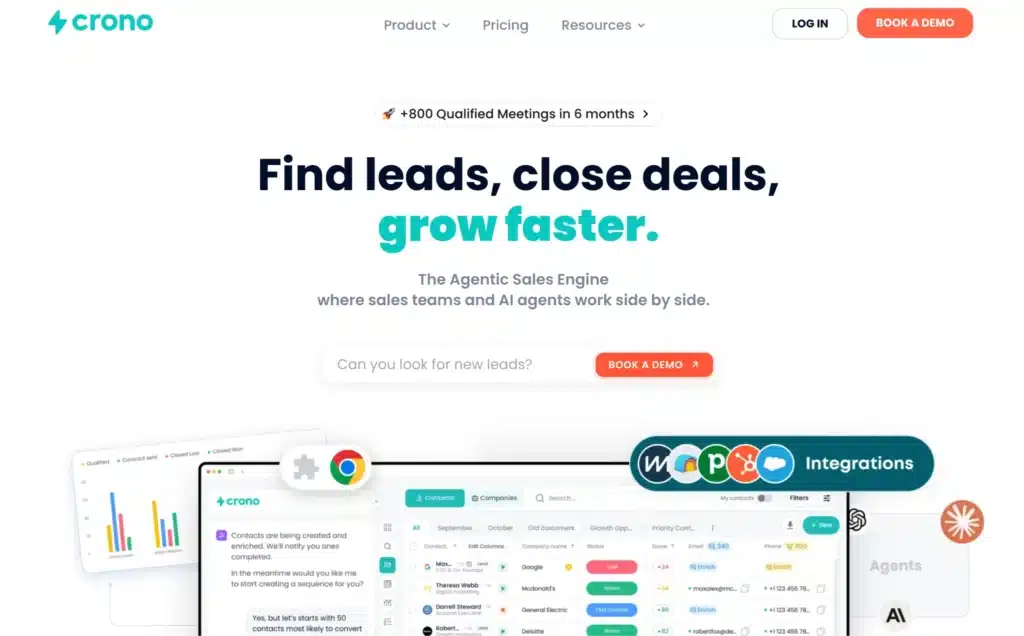
A rep opens a Sales Navigator search, pulls leads straight into Crono without exporting a CSV, and the platform enriches each one across 10+ data providers before the first connection request goes out. From there, a personalised LinkedIn invite, a DM the moment it’s accepted, and a follow-up email all run as one sequence. Everything lands in the CRM automatically without a second tool, a copy-paste, or an end-of-day cleanup session.
Most outreach platforms do one piece of that well and leave the rest to the rep. Crono is built for the handoffs between those pieces, which is usually where outbound breaks down.
Read more: 6 Outbound Sales Software That Also Automate LinkedIn
Run LinkedIn automation inside the platform, without a Chrome extension managing the session
Connection requests, DM follow-ups, reply tracking, and acceptance detection all run inside the platform. That’s only possible because Crono pulls Sales Navigator data directly instead of maintaining its own static database, which is also why coverage stays broad and contacts stay current.
A rep spots a prospect’s post in their feed, pulls the lead into Crono from the Chrome extension, sends the connection request, and moves on. When it’s accepted, the DM goes out and the task logs itself to the CRM with no second tab. The whole loop runs inside one platform.
See how teams are building pipeline with Crono: How Unguess expanded their proposal pipeline with Crono
Key features
- Find, enrich, and engage in one flow, with no handoff between tools
- Direct Sales Navigator integration, so no CSV exports
- Waterfall enrichment across 10+ data providers (84% accuracy rate)
- Rewrite with AI using live prospect context, not static templates
- Live Feed for real-time signals: job changes, funding events, profile activity
- Native CRM sync with HubSpot, Salesforce, and Pipedrive, with zero manual entry
- AI Agents Hub for signal detection, personalization, and meeting prep
Pros
- Runs the full multichannel motion without third-party integrations
- LinkedIn automation is native, not an extension stacked on a separate tool
- Waterfall enrichment closes the data gaps single-source tools leave open, especially outside North America
- Public, transparent pricing with no procurement process
Cons
- Teams not using Sales Navigator won’t get full value from the LinkedIn layer
Pricing
- Pro: €79/user/month (billed annually or quarterly)
- Ultra: €119/user/month (billed annually or quarterly). Includes Salesforce, VoIP dialer, lead scoring, buying signals, and a dedicated CSM.
- Enterprise: Custom, for teams of 50+ users.
Ready to see if Crono is the right fit for your team? Book a free demo.
2. HeyReach: Best for Pure LinkedIn Automation at Scale
HeyReach puts every LinkedIn sender account a team runs into one place. An agency connects each client’s LinkedIn account, sets sending limits and rotation per account, and runs every campaign from a unified inbox where acceptances and replies land in real time. For pure LinkedIn volume, this is as good as the category gets.
LinkedIn is also the only channel it runs. The moment email enters the cadence, that dashboard stops being the system of record. You’re exporting to a sequencer, reconciling replies by hand, and updating the CRM yourself. For agency-run outbound or event-driven campaigns where LinkedIn really is the whole motion, that works fine. For anything broader, it becomes the seam where the rest of the stack has to be stitched back together.
Key features
- Multi-account sender dashboard with rotation and a dedicated IP per account
- Native LinkedIn DM follow-ups and acceptance detection
- Unified LinkedIn inbox across every sender account
- LinkedIn voice-note support
- Campaign analytics per sender and per sequence
Pros
- Best multi-account infrastructure available for LinkedIn-only volume
- Built specifically for agencies running outbound across many client accounts
- Stronger account-safety profile than tools that scrape or simulate clicks
Cons
- Email needs a separate tool through Zapier
- CRM sync varies by plan and runs through integrations, not native connectors
- Low daily limits mean you need more sender accounts to scale, which adds cost
Pricing
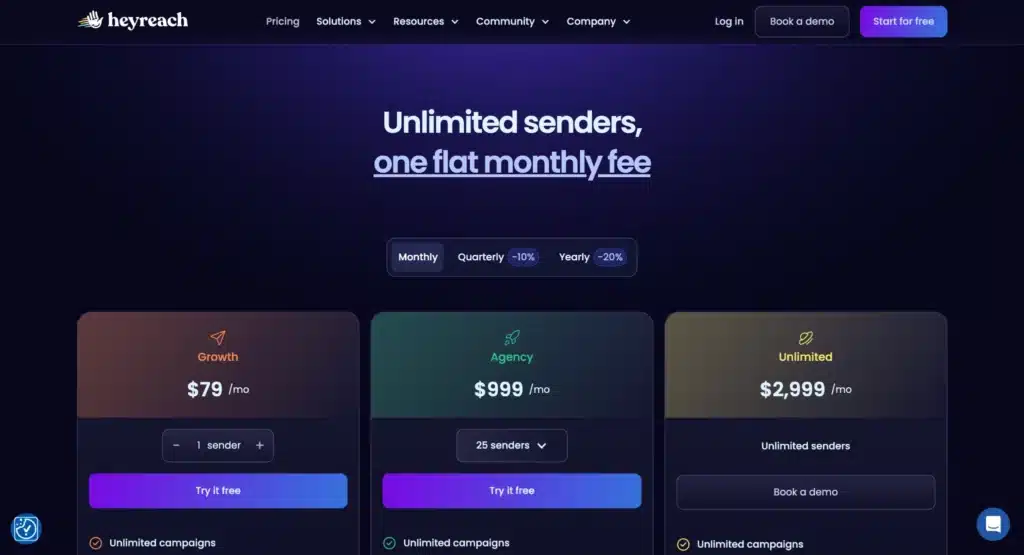
- Growth: From $79/seat/month
- Agency: From $999/seat/month
- Unlimited: $2999/seat/month
3. Reply.io: Best for Multichannel Outreach with an AI SDR
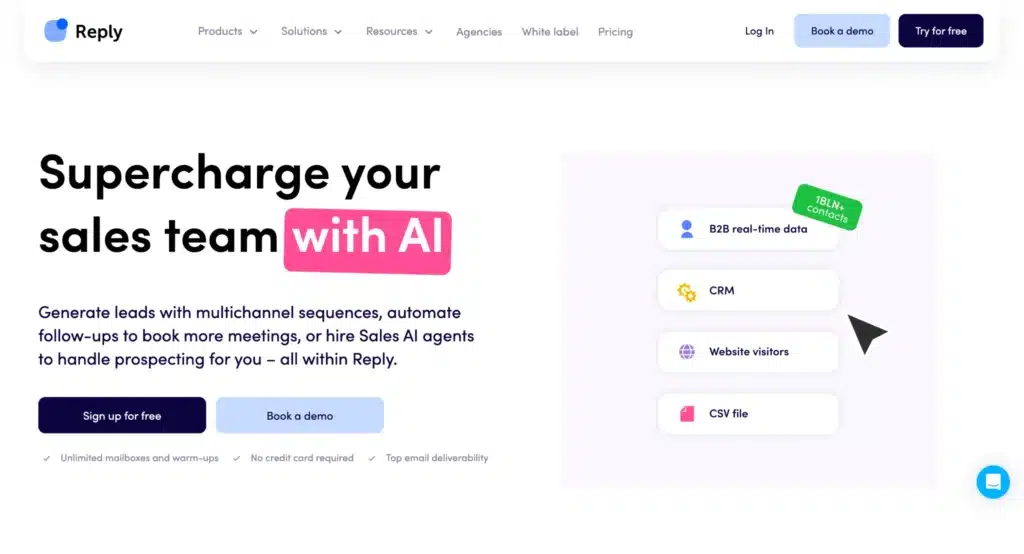
Reply.io lets a team run email, LinkedIn, calls, and SMS as one motion. An SDR builds a single sequence that opens with an email, adds a LinkedIn connection request on day two, drops in a call task on day five, and hands off to Jason, Reply’s AI SDR, for whatever comes back. On paper, that’s five channels and an autonomous agent in one workflow.
The $89 Multichannel plan is the one that gets pitched, but it excludes the channels that make it multichannel: LinkedIn is +$69/account/month, calls and SMS are +$29/month, and Jason AI starts at $500/month. A real setup lands closer to $187/user before the AI SDR, more than double the advertised price. CRM field-mapping and sync issues also show up consistently in G2 user reviews, and LinkedIn runs through a Chrome extension rather than a native integration. For a team comparing platforms on detailed cost, those are the numbers that matter.
Key features
- Five-channel sequences: email, LinkedIn, calls, SMS, WhatsApp
- Jason AI SDR for autonomous sourcing, sequencing, and reply handling
- Conditional branching across channels
- Native CRM connectors (Salesforce, HubSpot, Pipedrive, Close)
- Deliverability suite with email warmup
Pros
- True five-channel sequencing in a single workflow
- A capable AI SDR for teams that want autonomous outbound
- Strong breadth of native CRM connectors
Cons
- The advertised $89 price excludes the channels that make it multichannel
- LinkedIn runs through a Chrome extension, not a native integration
- CRM sync issues are flagged consistently in G2 reviews
- Jason AI adds significant cost on top of the base plan
Pricing
- Multichannel: $89/user/month
- Email Volume: From $159/user/month (unlimited users)
- Jason AI: $500/month
Read more: 5 Outreach Alternatives Under $100
4. Instantly: Best for High-Volume Cold Email
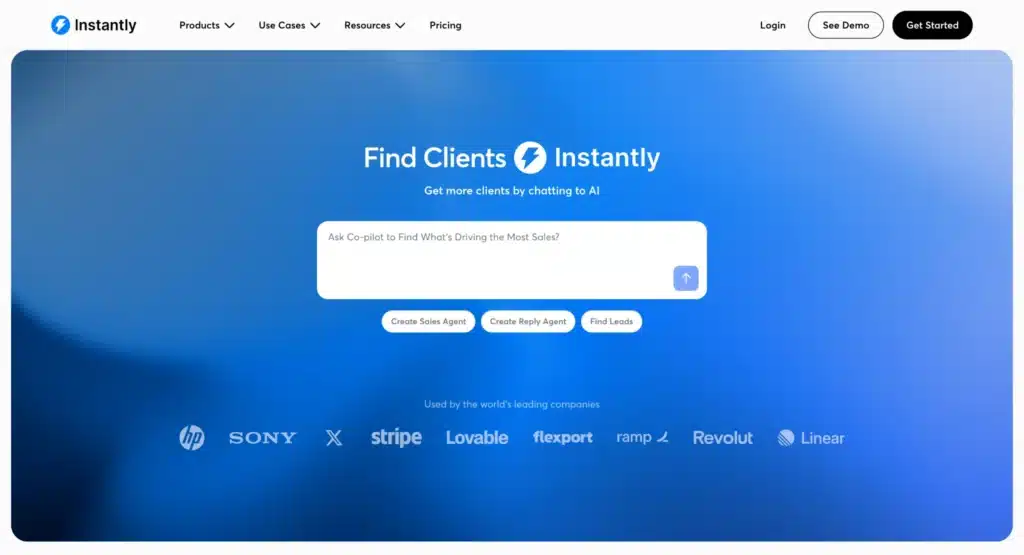
Instantly gets cold email moving fast. A founder signs up, connects a handful of mailboxes, and lets the warmup engine run in the background while building a first campaign from the bundled 450M+ lead database. The whole setup runs without a deliverability specialist or a separate list-building tool.
The platform is email-only, and that becomes a problem quickly. Instantly is email-only: LinkedIn needs a Zapier bridge, and CRM sync stays thin. For teams running multichannel outbound or treating LinkedIn as a primary channel, it becomes one more tool to manage. Stay inside cold email volume and nothing here gets you off the ground faster.
Key features
- Unlimited mailboxes with inbox rotation
- Mature warmup engine for deliverability management
- 450M+ lead database with basic filtering
- Unified inbox for reply management
- AI reply handling and categorization
Pros
- Best-in-class UX for teams without a deliverability specialist
- Unlimited mailboxes included on every plan
- Bundled lead database removes the need for a separate prospecting tool at low volume
Cons
- Email-only: LinkedIn needs a separate tool through Zapier
- Thin CRM sync, not suited to high-touch ABM or detailed pipeline reporting
- Lead-database quality degrades at scale
Pricing
- Growth: $47/month
- Hypergrowth: $97/month
- Light Speed: $358/month
- Enterprise: Custom pricing
5. Outreach: Best for Enterprise Multichannel Orchestration
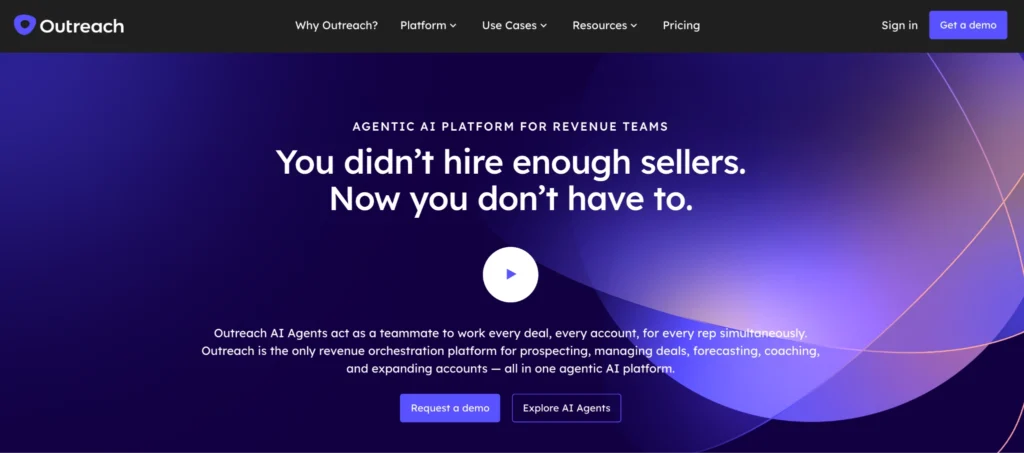
Outreach gives large sales orgs governance and forecasting across a multichannel motion at a scale most platforms aren’t built for. A RevOps team configures sequences across a 150-rep org, builds forecast and pipeline views on deep Salesforce data, and runs conversation intelligence to coach reps at scale. At that size, its governance and reporting have few real competitors.
A 10–50-rep team has different needs: getting reps to run a consistent motion without juggling five tools. Outreach requires a RevOps function to configure, has no built-in enrichment, and pairs with a separate data vendor like Cognism or ZoomInfo from day one. Pricing is quote-based with a 12-month commitment and no free trial, which fits an enterprise procurement cycle and little else.
Key features
- Multichannel sequencing with governance controls
- Deal management and pipeline forecasting
- Conversation intelligence and rep coaching
- Deep Salesforce integration
Pros
- Industry-leading orchestration for large, complex sales orgs
- Strong governance and reporting for managers at enterprise scale
- Mature, stable feature set with extensive third-party integrations
Cons
- No built-in enrichment or LinkedIn automation, so you’ll need a separate data vendor
- Custom pricing, 12-month commitment, no free trial
- Overkill for teams under 100 reps
Pricing
Custom pricing
Read more: Crono vs Outreach
6. Lindy: Best for Building Custom AI Outreach Agents
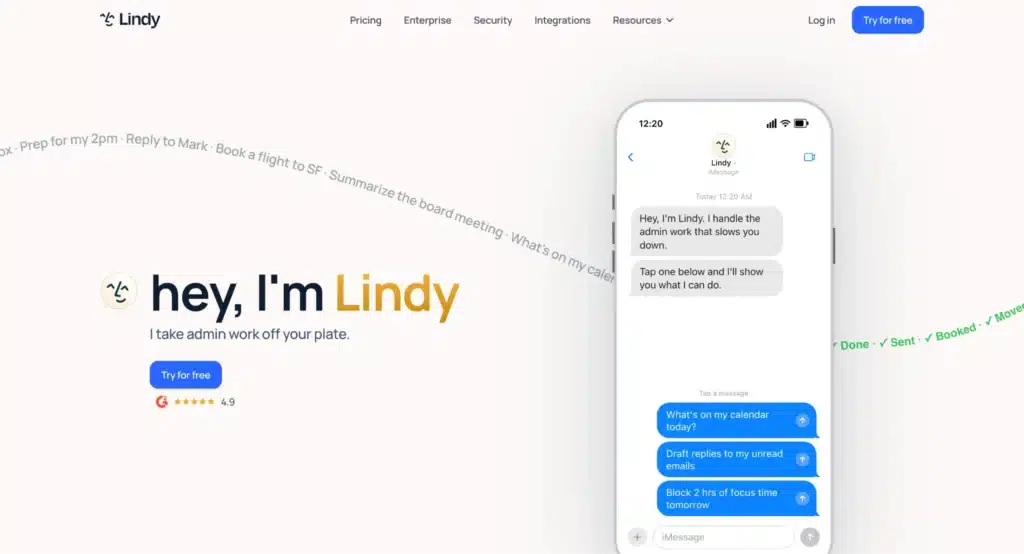
Lindy hands a team the building blocks to design their own autonomous outbound workflow. A technical operator chains a prospecting step, a personalisation step, a follow-up step, and a CRM-update action into a workflow that runs without a rep touching it. For teams that want to move faster than a packaged tool allows, that flexibility is the appeal.
There’s no native LinkedIn automation and no out-of-the-box CRM logging, so each capability gets configured from scratch. Reply quality can also stay inconsistent while the agent logic gets tuned, and that tuning takes time. It’s a better fit for teams that have the bandwidth to build and iterate than for teams that need outbound running immediately.
Pros
- AI-agent-native architecture built for autonomous workflows
- Flexible chaining of prospecting, personalization, and follow-up steps
- Broad integration support
Cons
- Requires technical setup, not plug-and-play
- No native LinkedIn automation or CRM logging out of the box
- Better suited to teams building bespoke workflows than teams buying a configured outbound system
Pricing
- Plus: $49.99/month
- Pro: $99.99/month
- Max: $199.99/month
- Enterprise: Custom pricing
Read more: Crono AI Agents Hub
Which AI Outreach Automation Software Should You Shortlist?
Choose Crono if:
- You run LinkedIn and email together.
- Your team is tired of stitching tools together.
- You want native LinkedIn automation, waterfall enrichment, email sequencing, and real-time CRM sync in one platform.
- LinkedIn is a primary channel and CRM accuracy matters.
Choose HeyReach if:
- LinkedIn is your entire motion
- Email plays no part in the cadence
- You’re running volume across multiple sender accounts
The caveat: the day email enters your motion, you’re managing two platforms, and Crono becomes the better fit.
Choose Reply.io if:
- You need five channels and an AI SDR running them autonomously
- Your team runs email, LinkedIn, calls, and SMS in one sequence
Model the real all-in cost first, because the channels and Jason AI push the true price well past the advertised $89.
FAQ
Which outreach tools actually have native LinkedIn automation?
Very few. Most tools tick the LinkedIn box by opening a Chrome extension and asking the rep to click manually — which is a prompt, not automation. Native LinkedIn automation means connection requests, DM follow-ups, acceptance detection, and reply tracking all happen inside the platform with no separate extension managing the session. Of the tools here, only Crono and HeyReach qualify. HeyReach is LinkedIn-only; Crono pairs it with email sequencing and CRM sync in one platform.
Read more: LinkedIn Outreach Strategy
What’s the real cost of “multichannel” outreach platforms?
The advertised price is rarely the price you pay. Reply.io’s $89 multichannel plan excludes LinkedIn ($69/account/month extra), calls and SMS ($29/month extra), and the Jason AI SDR (from $500/month extra). Outreach pairs its custom pricing with a separate data vendor. Before you shortlist anything, map the full cost of the channels and integrations your motion actually needs — not just the base plan.
Do I need a separate enrichment tool, or is it built in?
It depends on the platform. Most tools here rely on a single contact database, so gaps are common, especially outside North America. Crono uses a waterfall approach across 10+ data providers, querying each in turn until it finds a verified contact, producing an 84% accuracy rate without a separate enrichment layer. If your platform runs on a single database, budget for an enrichment tool or accept the gaps.
Read more: Best AI Tools for Sales Prospecting
Can one platform replace my email tool, LinkedIn tool, and CRM logging?
Yes, but only if LinkedIn automation is built natively into the platform rather than bolted on through a Chrome extension. Most all-in-one platforms consolidate email and CRM sync well but still leave LinkedIn as a manual step. Crono is the only platform here where a rep runs a full LinkedIn and email sequence with automatic CRM logging without opening a second tool at any point.
Read more: Outbound Sales Automation Software
Does Crono integrate with HubSpot and Salesforce?
Yes, both natively. HubSpot and Pipedrive are included on Pro; Salesforce is included on Ultra. Every activity — from LinkedIn messages to email sends to completed sequence steps — syncs to the right contact and deal record automatically, with no manual work on the rep’s end.
Read more: Crono Integrations
If your reps are still running outbound across five tabs, that’s the problem Crono was built to solve.
One platform handles prospecting, LinkedIn automation, email sequencing, and CRM sync, with every touchpoint logged automatically and nothing left to wire together by hand.
Join 300+ B2B sales teams and change your sales game. Book a Demo →
While you’re there, grab the free Sales Playbook 2026: 30+ outbound templates and pipeline benchmarks, no credit card required.
